Start building Sign in

Already use FlutterFlow Studio? Open Studio

iPhoneAndroid

Build an app by describing it

Get a first version, then shape it by asking. When it’s ready, send it to the App Store and Google Play. All in one place.

  • One build for the App Store and Google Play
  • Backend built in
  • Sign-in and files included
  • Built-in app analytics
  • Publishing to both stores

3.3M people have built on FlutterFlow. 50,000+ apps shipped.

  1. Build

    Describe it. A first version is built and checked.

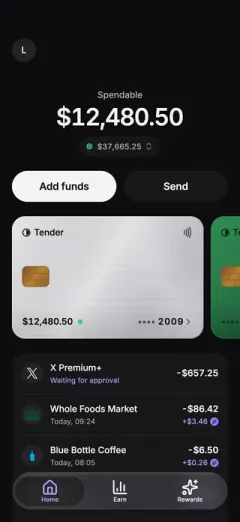
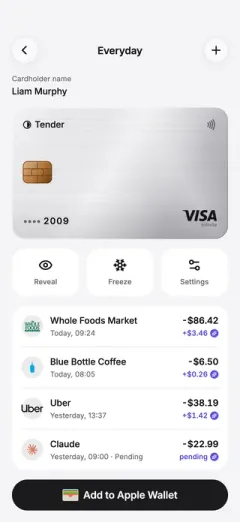
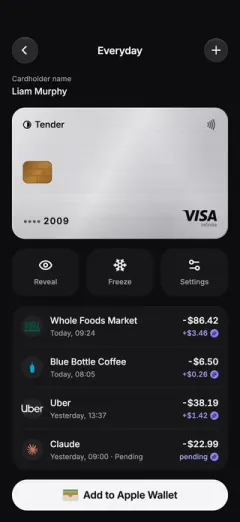
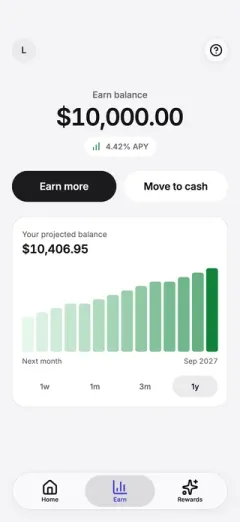
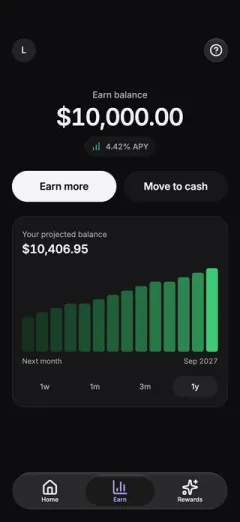
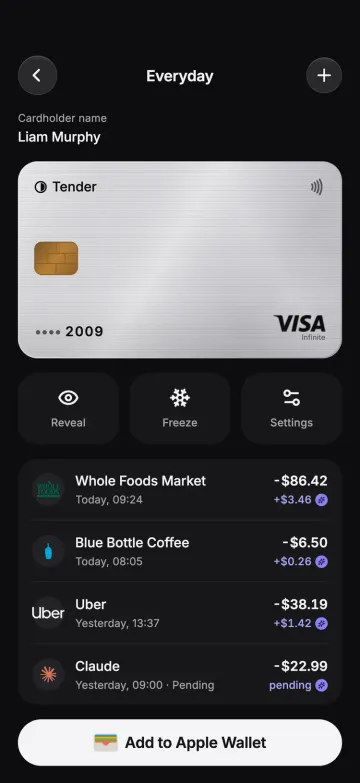
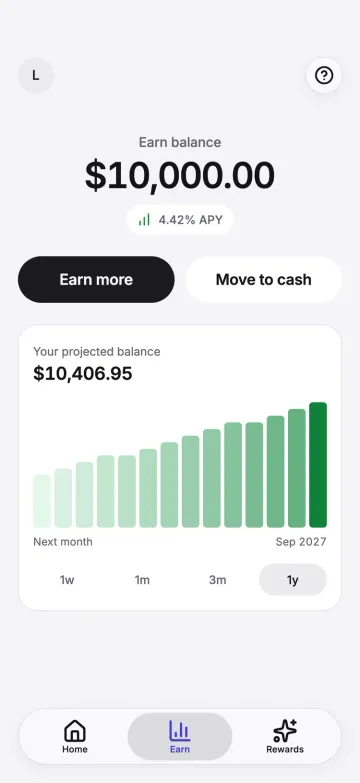
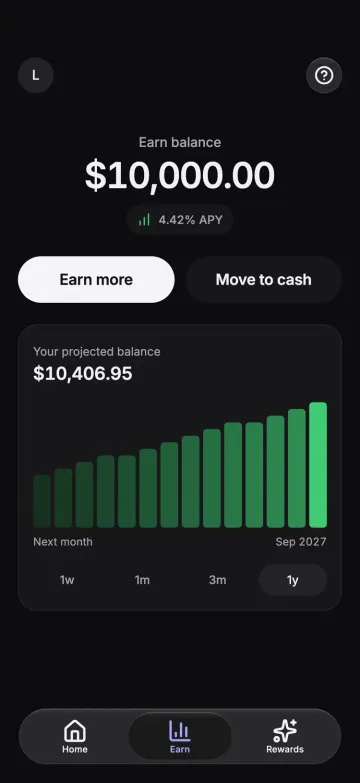
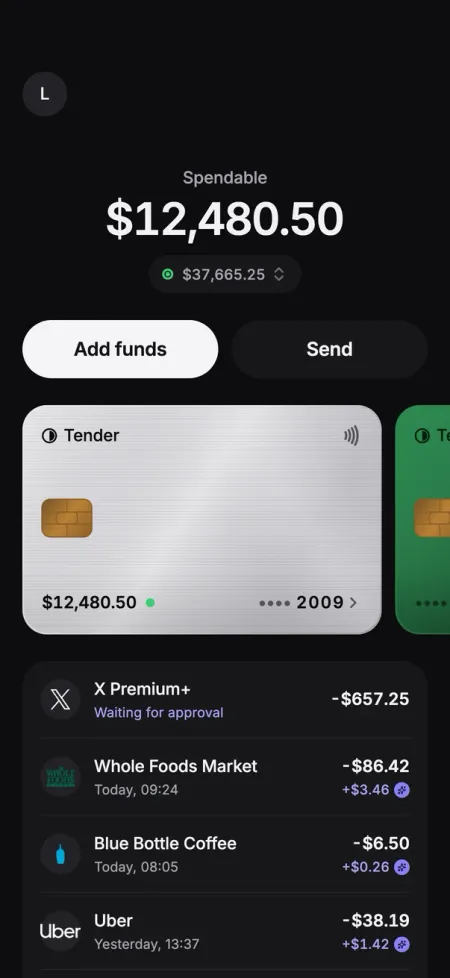
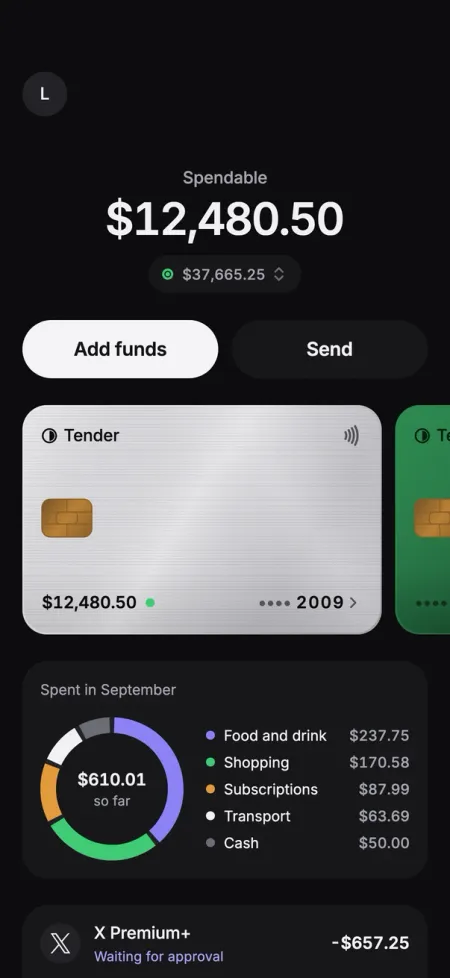
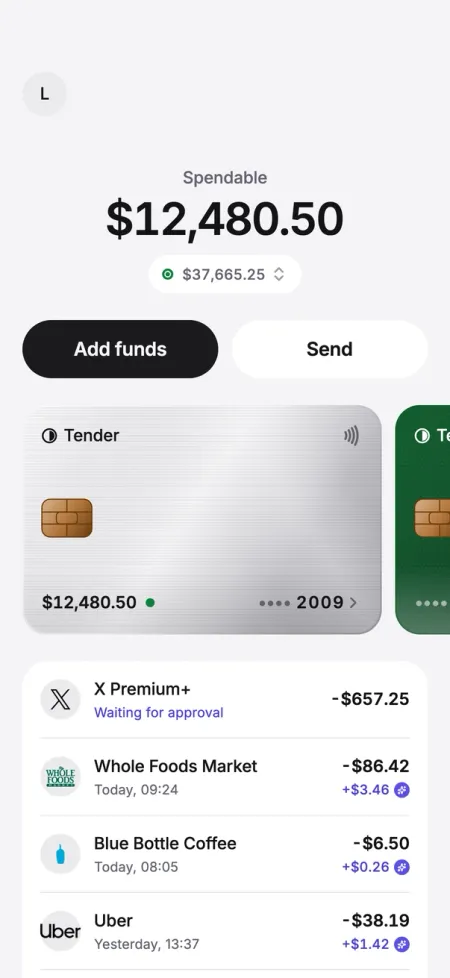
    Tender’s Home screenTender’s Home screenTender’s Card screenTender’s Card screenTender’s Earn screenTender’s Earn screen
  2. Refine

    Ask for any change. Push it when you’re happy.

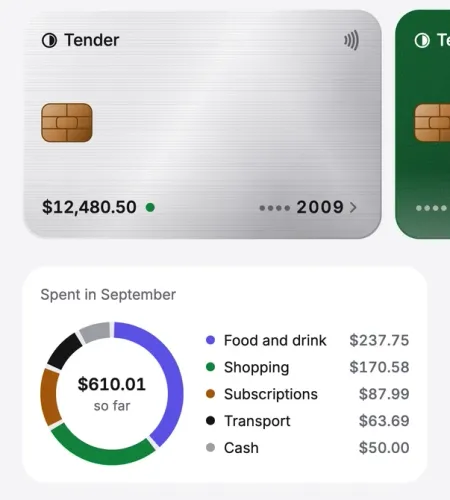
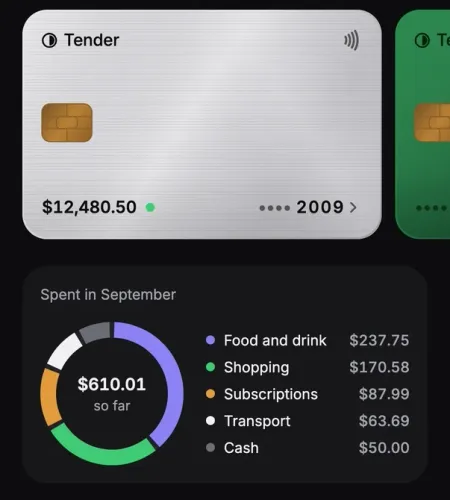
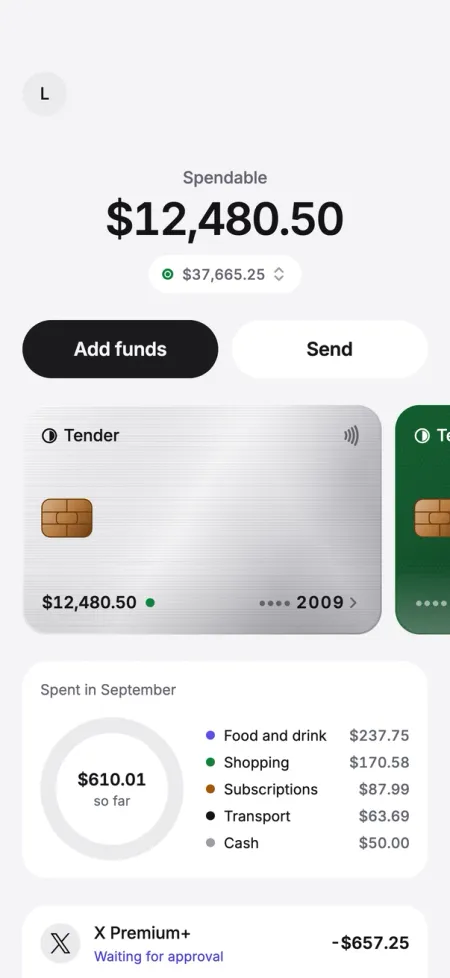
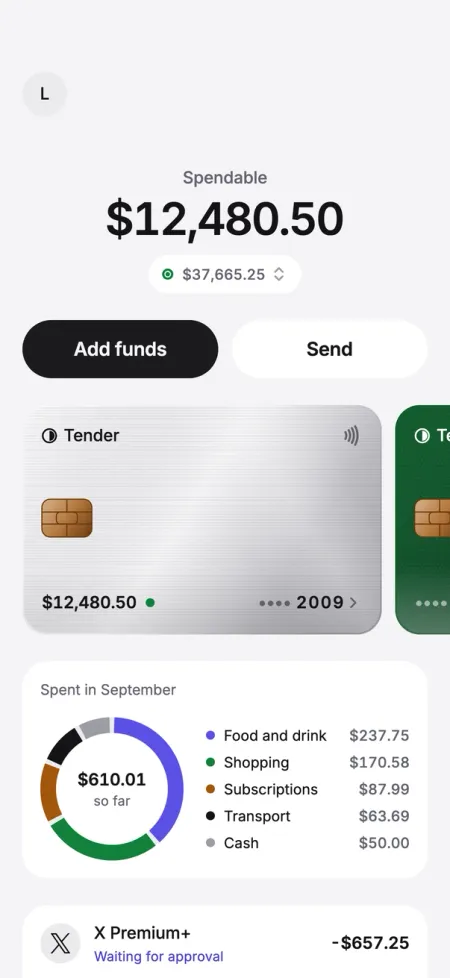
    You asked“Add a spending chart to Home.”

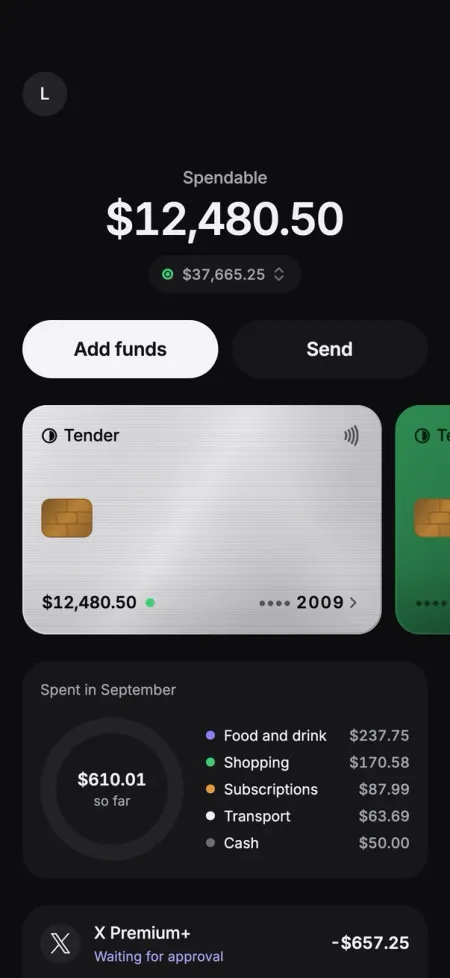
    Tender’s Home with this month’s spending under the cardTender’s Home with this month’s spending under the card
  3. Launch

    Send it to both stores. See it go live.

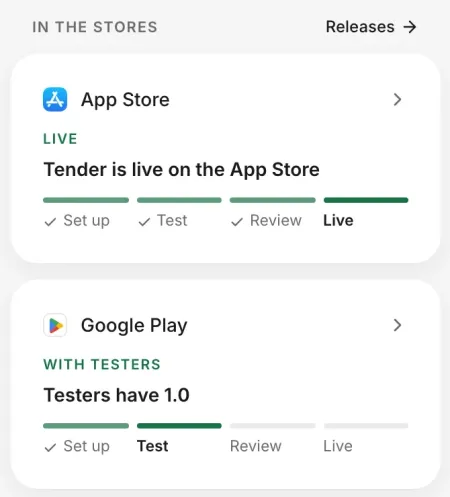
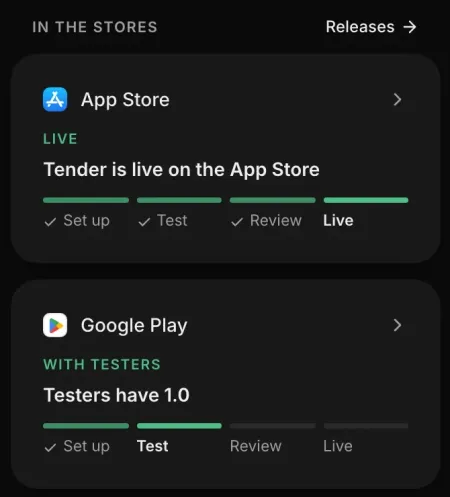
    In the stores: Tender live on the App Store, and with testers on Google PlayIn the stores: Tender live on the App Store, and with testers on Google Play

Build

Get a first version in about five minutes

Say who it’s for and what it should do. FlutterFlow plans, builds, and checks each screen, so you and the agent start from something that works.

You describe it: Build Tender, a card that pays you back. Show what I can spend, let me freeze the card, and track cashback.

First version

The first version is ready

8 screens, in your app.
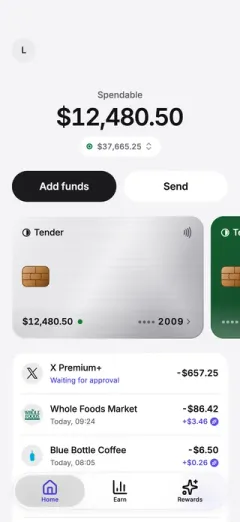
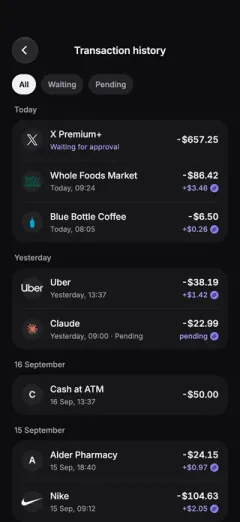
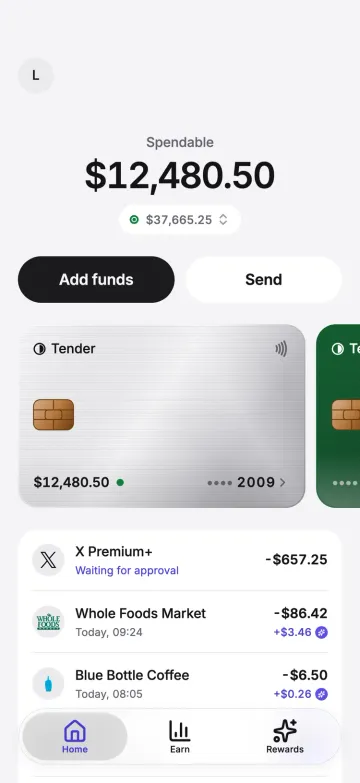
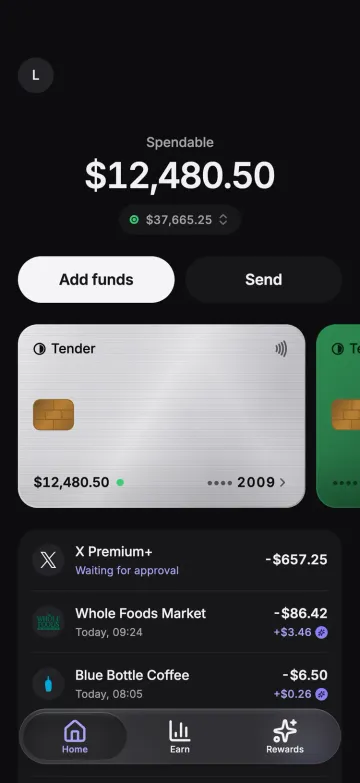
Tender’s Home screenTender’s Home screen
Home
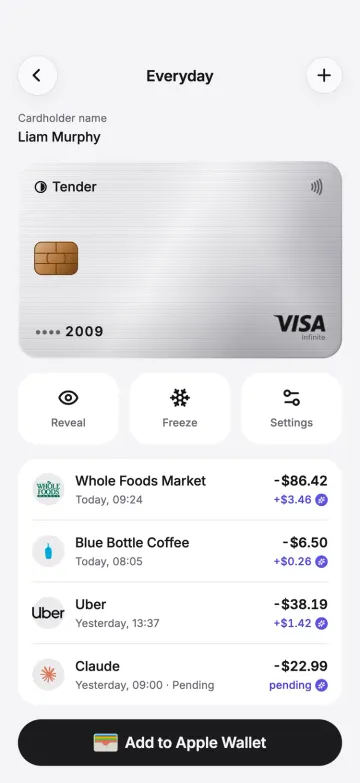
Tender’s Card screenTender’s Card screen
Card
Tender’s Earn screenTender’s Earn screen
Earn
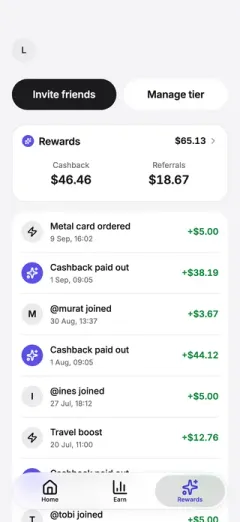
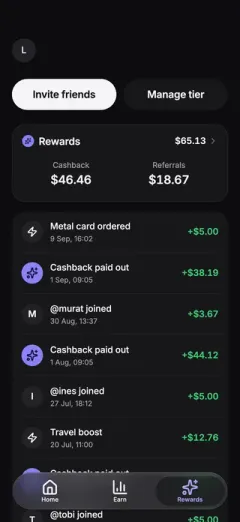
Tender’s Rewards screenTender’s Rewards screen
Rewards
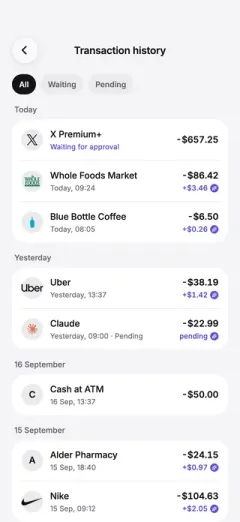
Tender’s History screenTender’s History screen
History
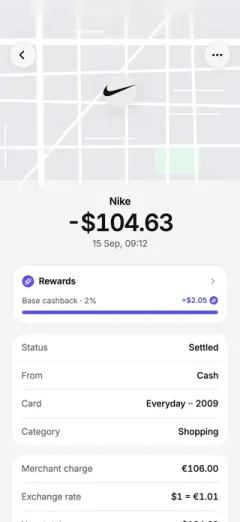
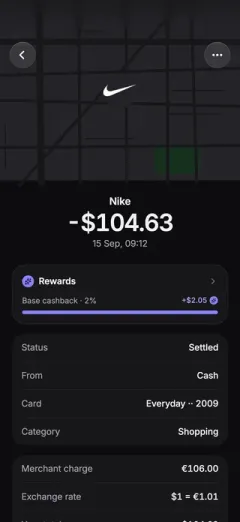
Tender’s Transaction screenTender’s Transaction screen
Transaction
Tender’s Platinum screenTender’s Platinum screen
Platinum
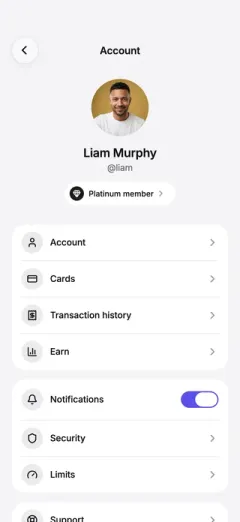
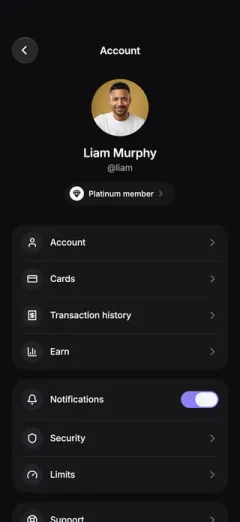
Tender’s Account screenTender’s Account screen
Account

Refine

Change anything by asking

Ask for a change and the agent builds it on a copy you can keep editing. When it’s ready, push it to your app.

You ask: Add a spending chart to Home. Tender’s Home then shows this month’s spending by category, in a ring under the card.

Launch

Get it into the App Store and Google Play

Send it to Apple and Google for review with one press. FlutterFlow follows each store until it’s live.

Live on the App Store and Google Play
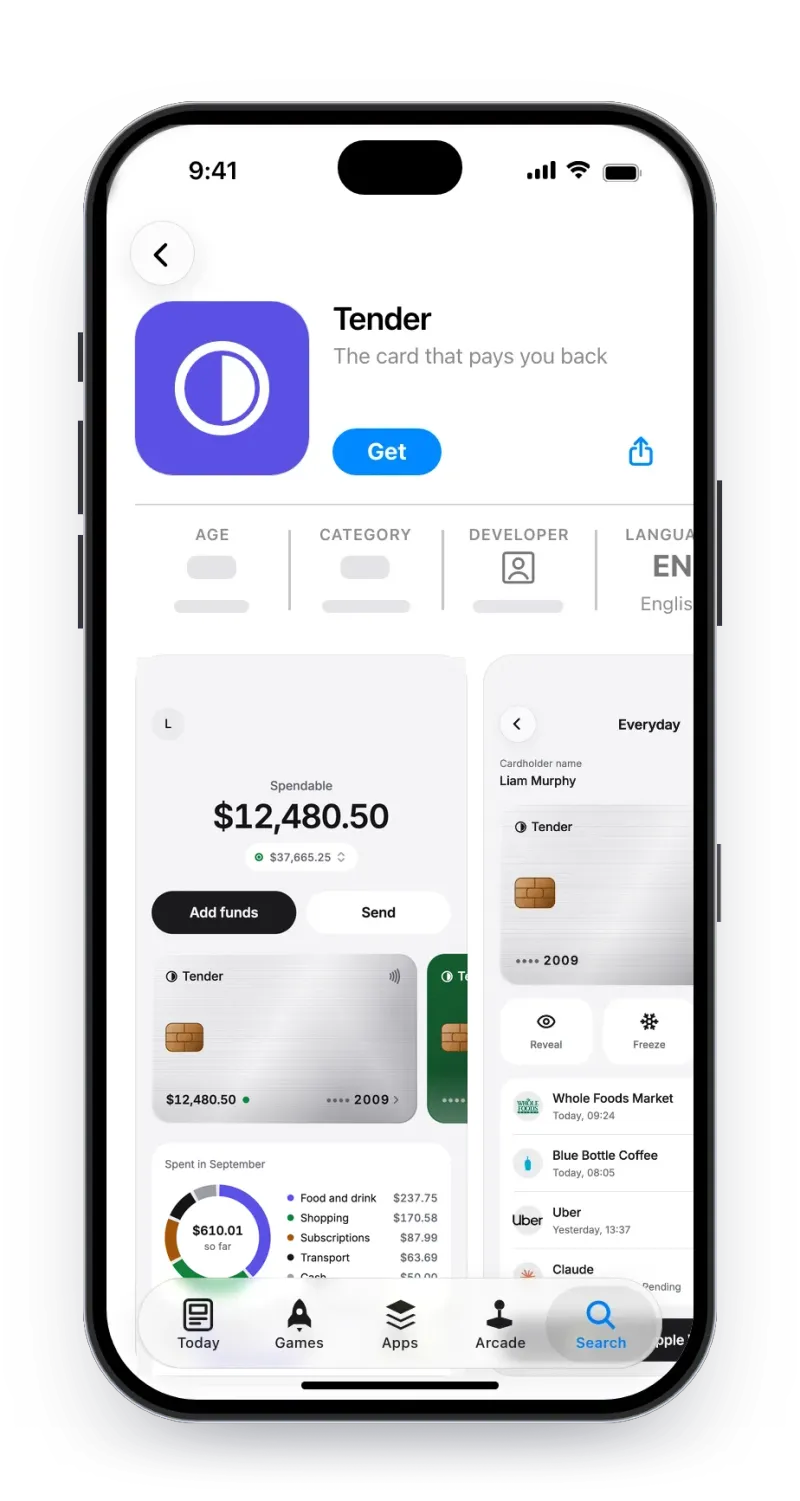
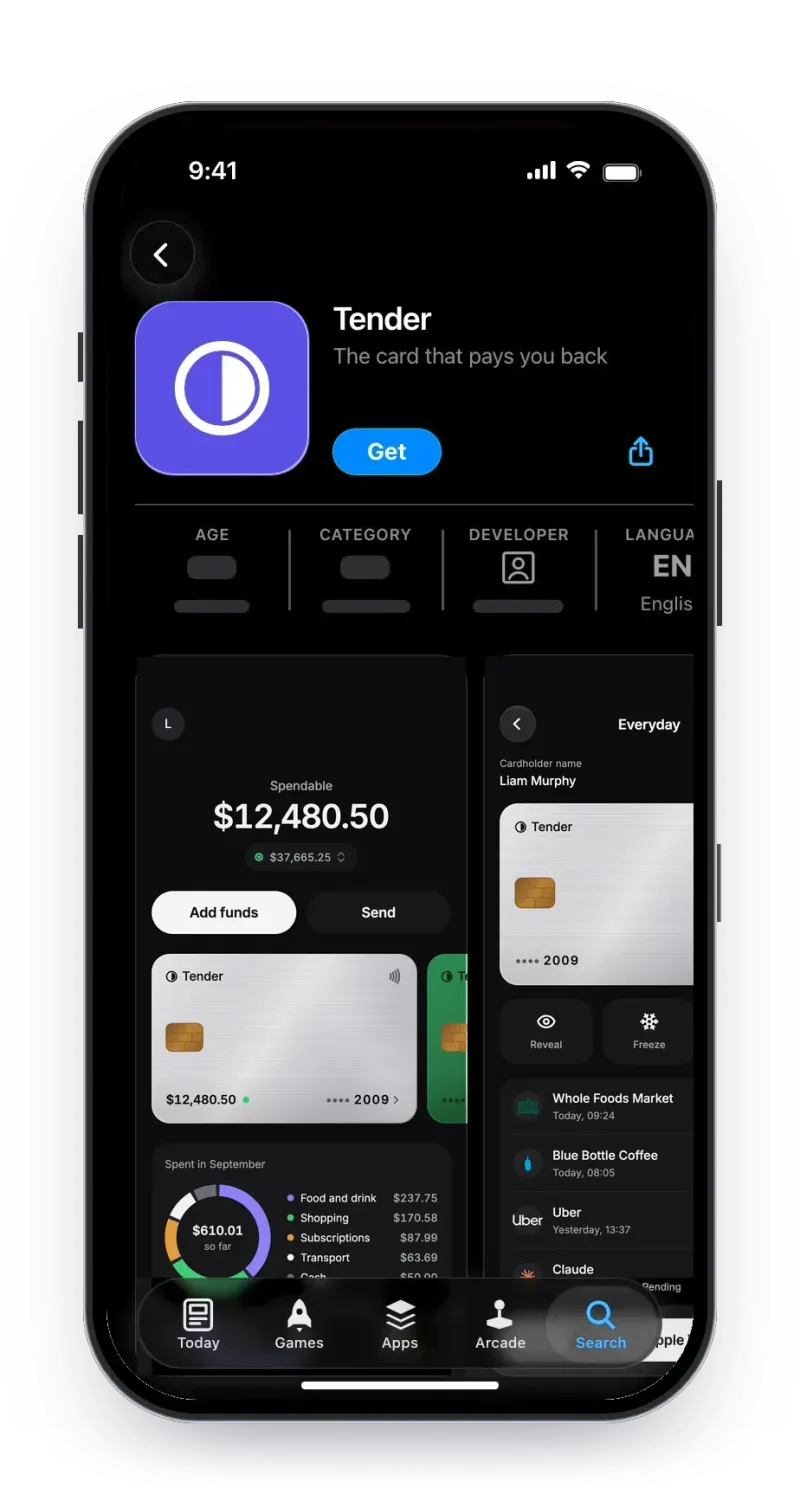
Tender’s App Store page, version 1.1: its icon, Get, and screenshots, the first one Home with this month’s spendingTender’s App Store page, version 1.1: its icon, Get, and screenshots, the first one Home with this month’s spending
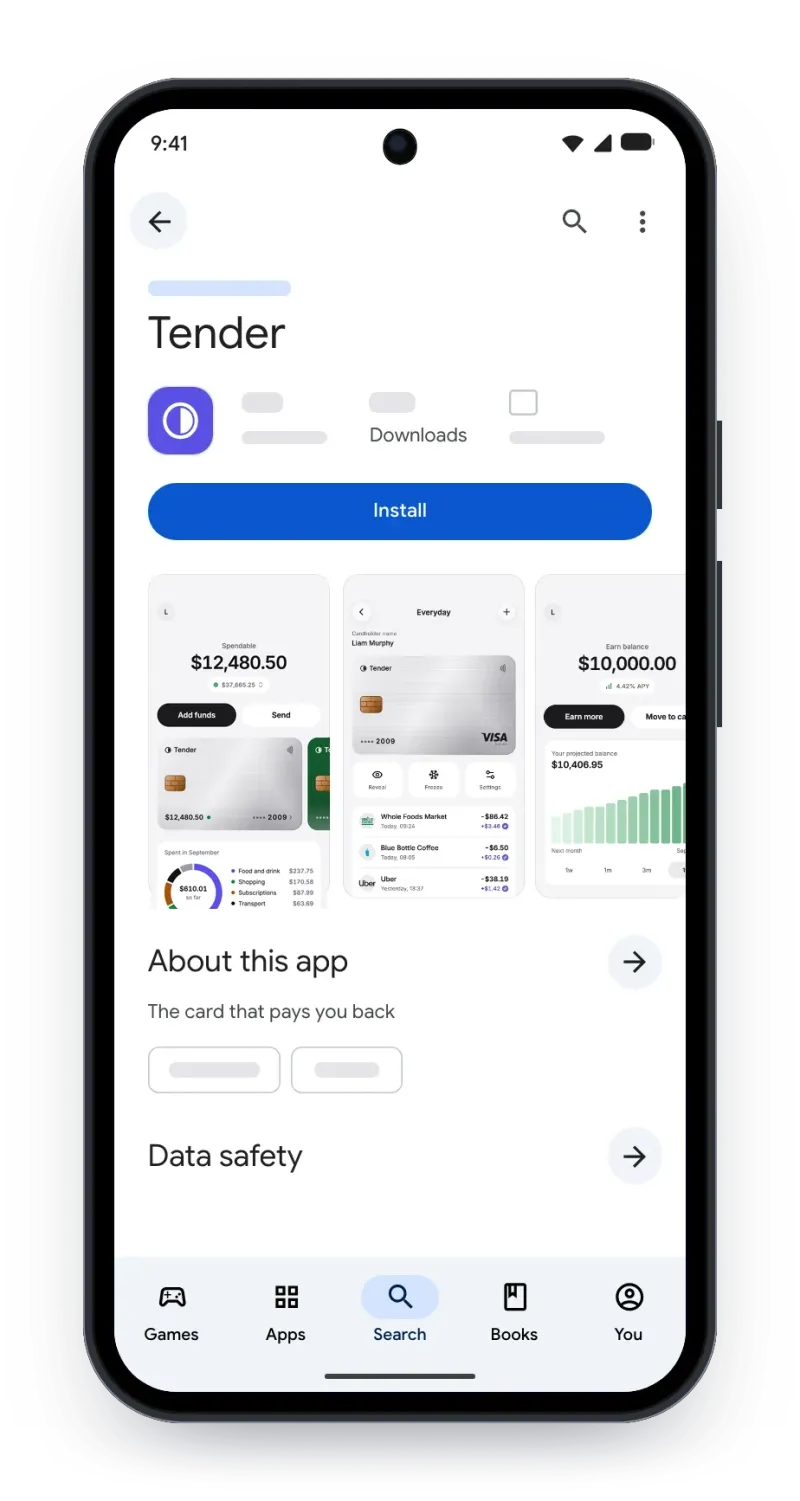
Tender’s Google Play page: its icon, Install, and screenshots

Scale

Ready for real users

Every app comes with sign-in and a place for its data, so users can enroll from day one. See who joined and how they’re using the app, all within the platform.

Sign-in

Email, Google and Apple sign-in, and a list of everyone who signed up.

Ways to sign in

  • Email and passwordMinimum password length: 8. Email verification: on.
  • GooglePeople continue with their Google account.
  • ApplePeople continue with their Apple ID.

People

  • Real users131 users signed up to the published appView

Data

What your app stores, field by field.

Transactions

Schema*Required

FieldDescription
amount*What it cost.
at*When it happened.
card*CardsThe card it was made on.
cashbackWhat it earned.
merchant*Where it was bought.
status*Settled, pending, or waiting for approval.

Live data

What people save in your app, as they save it.

TransactionsReal data

recordamountstatusat
X Premium+−$657.25waitingSep 18, 13:22
Whole Foods Market−$86.42settledSep 18, 09:24
Blue Bottle Coffee−$6.50settledSep 18, 08:05
Uber−$38.19settledSep 17, 13:37
Claude−$22.99pendingSep 17, 09:00

Analytics

See how your app is doing at any time.

Daily users79+21% on last week
Today

Built in FlutterFlow

Apps as polished as the ones already on your phone, all built in FlutterFlow.
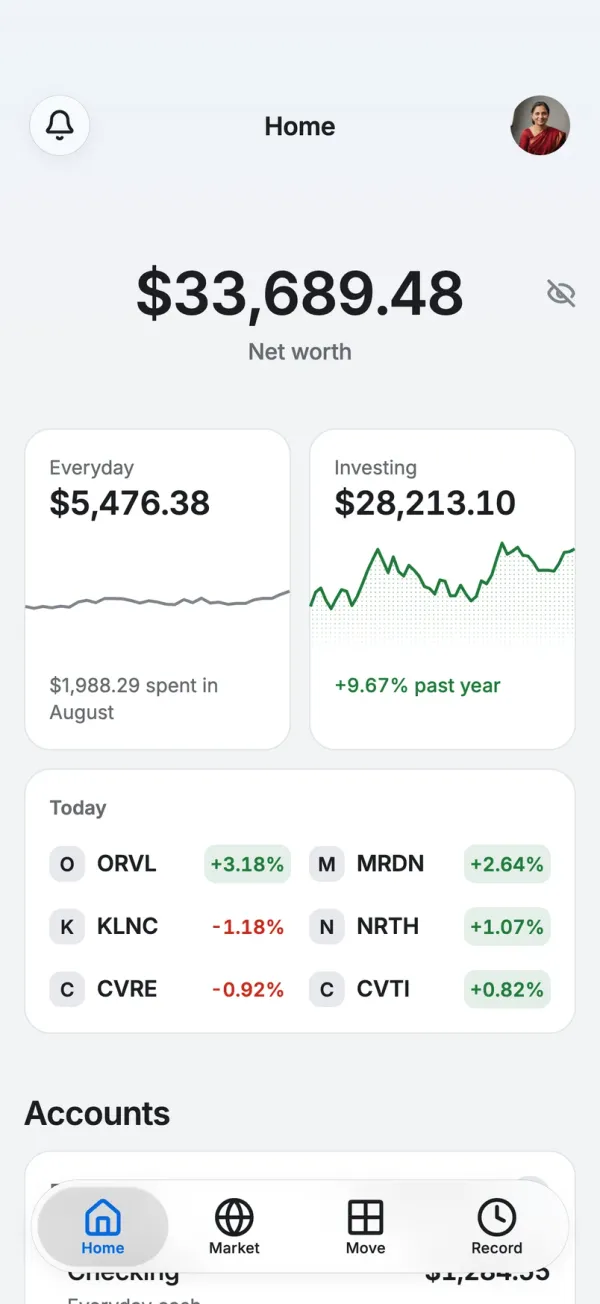
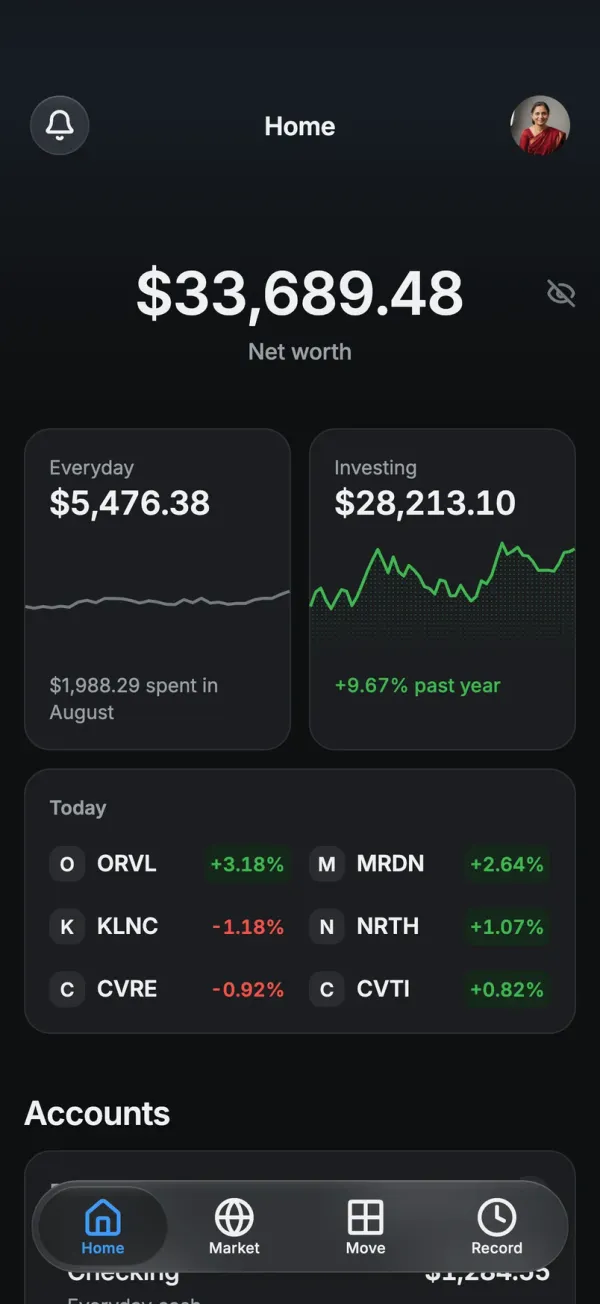
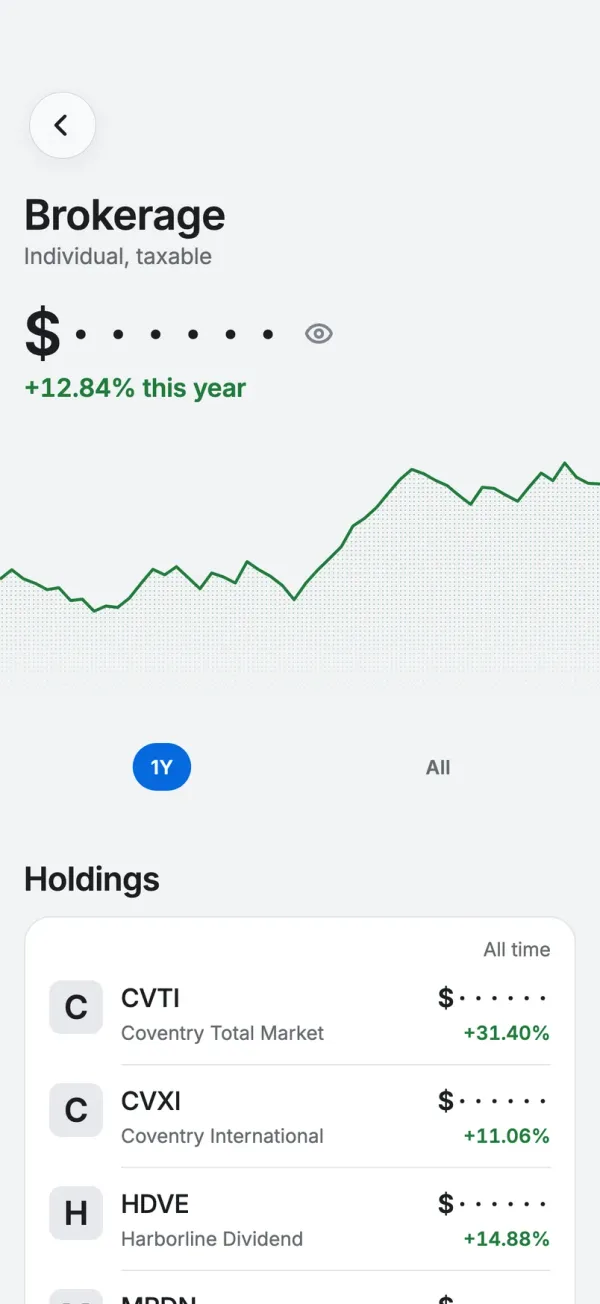
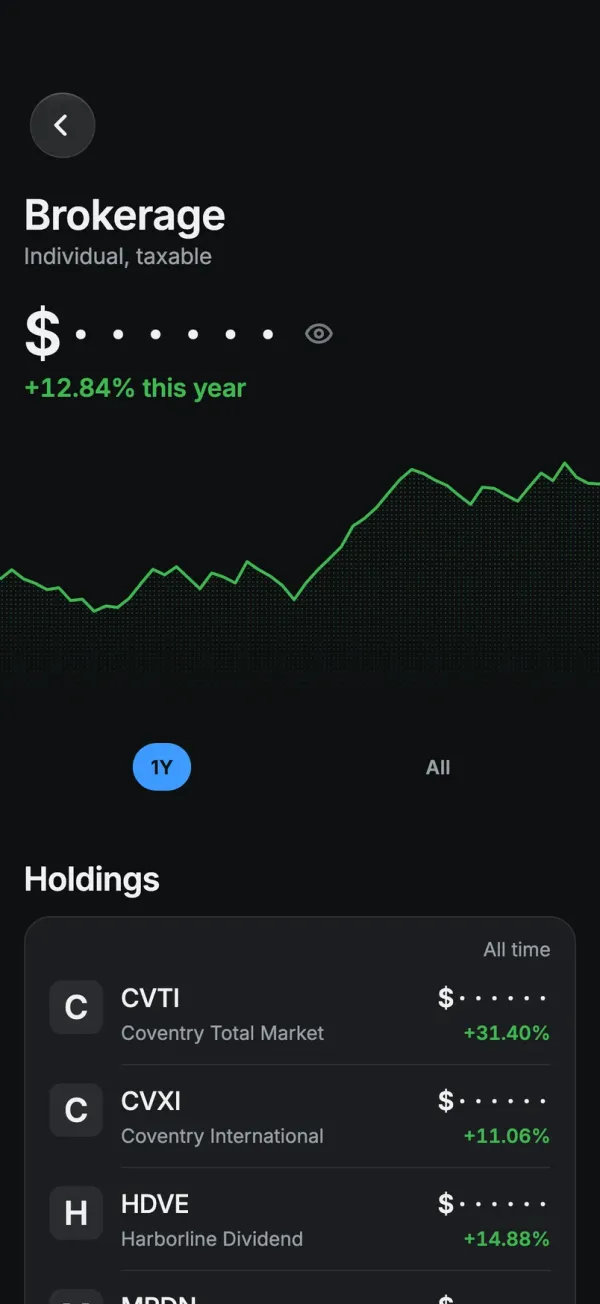
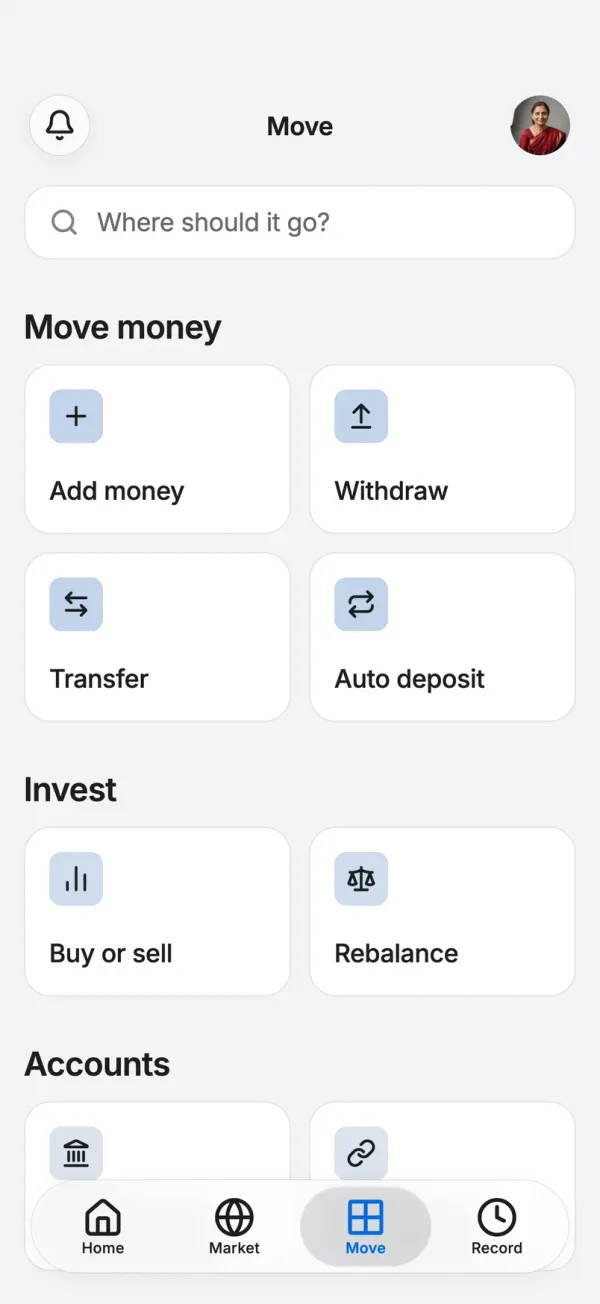
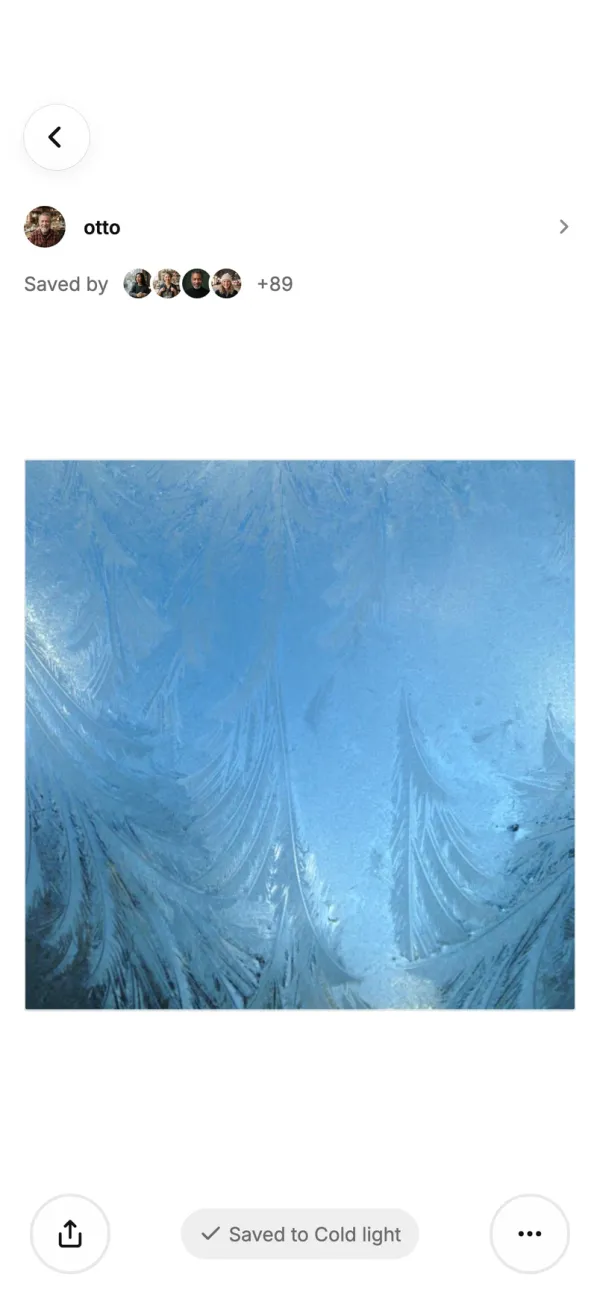
Ledger's home: net worth over the everyday and investing balancesLedger's home: net worth over the everyday and investing balances
Ledger
Everyday money and investing, in one balance.
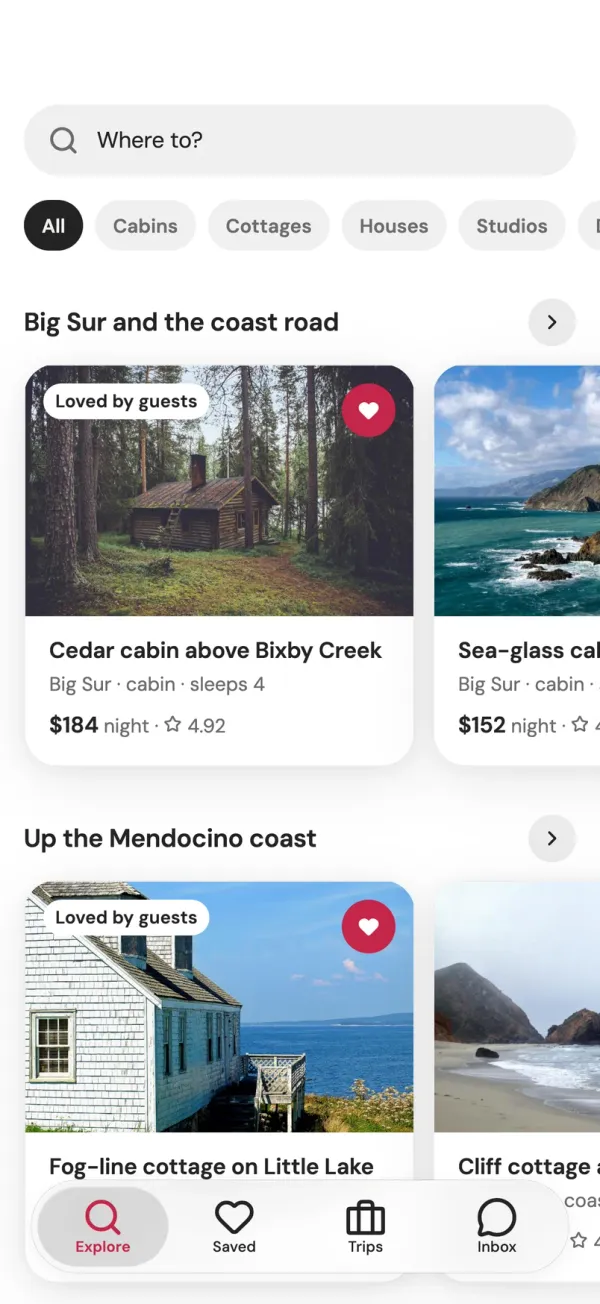
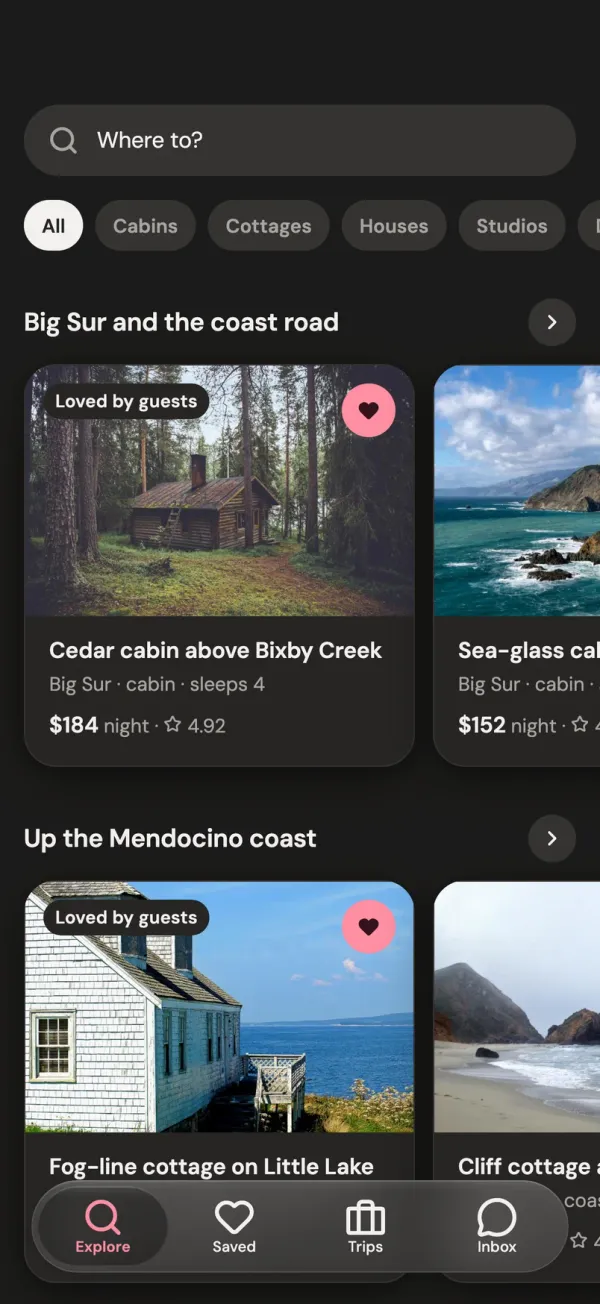
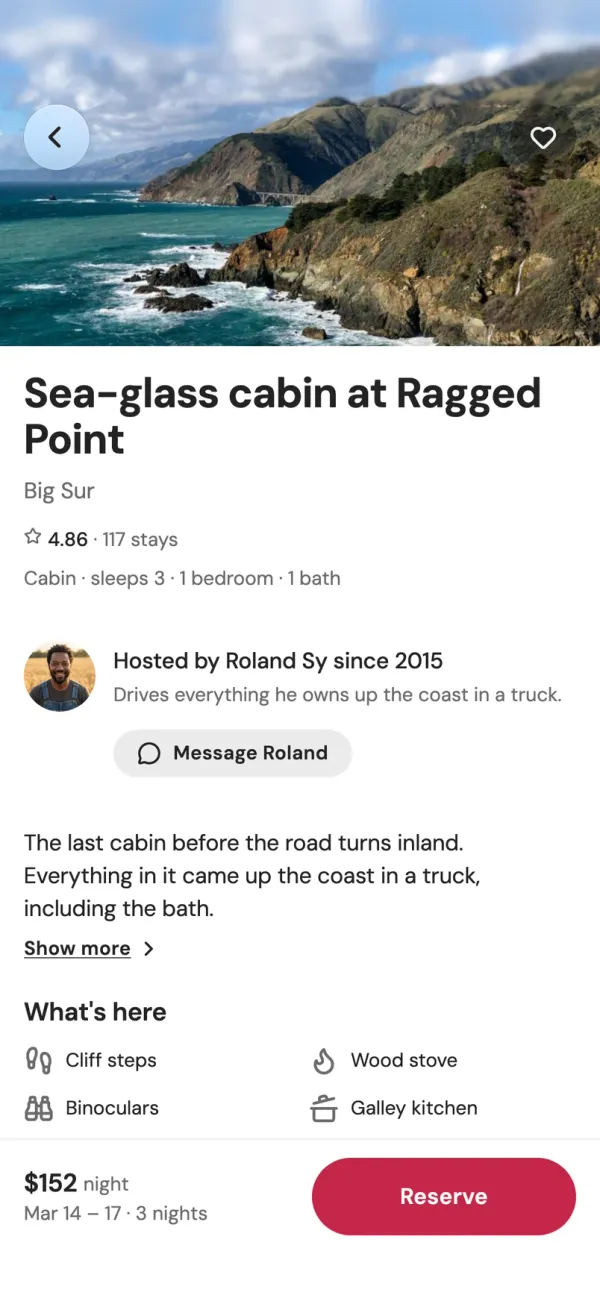
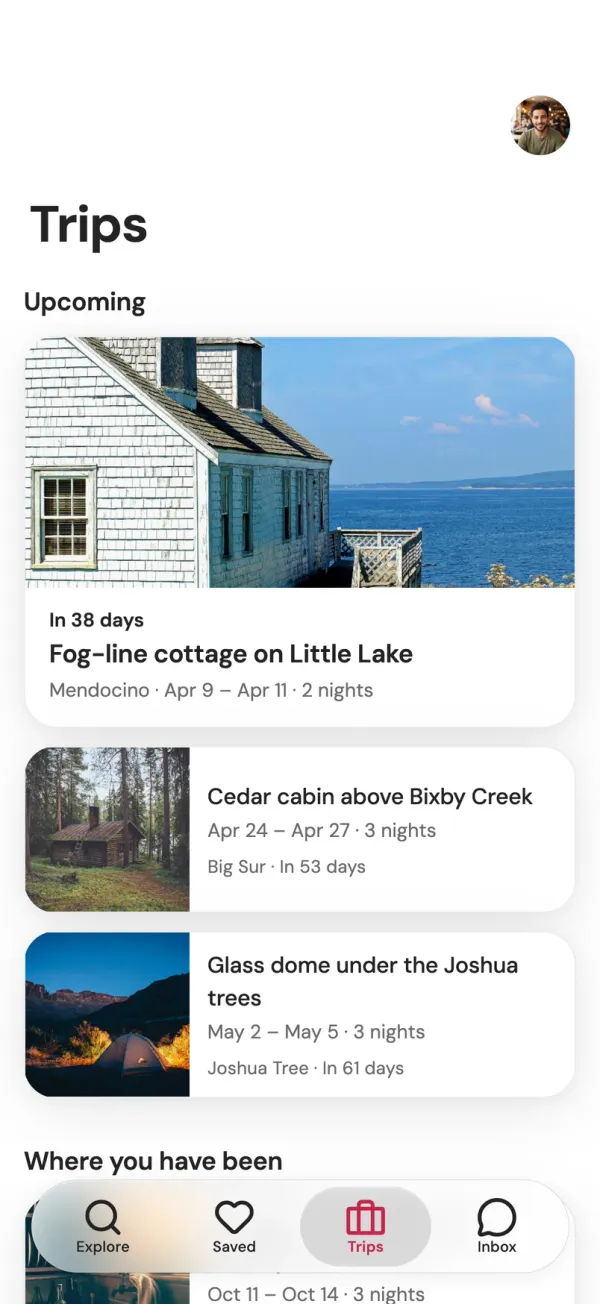
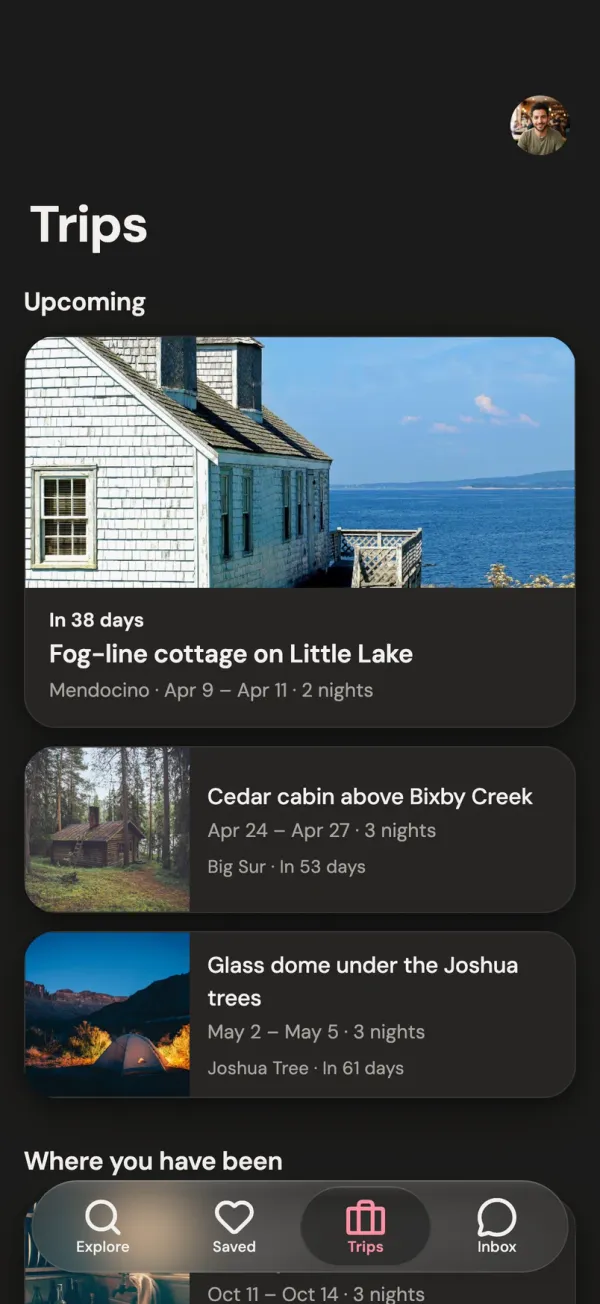
Roost's explore page: cabins along Big Sur and the Mendocino coastRoost's explore page: cabins along Big Sur and the Mendocino coast
Roost
Book cabins and stays along one coast.
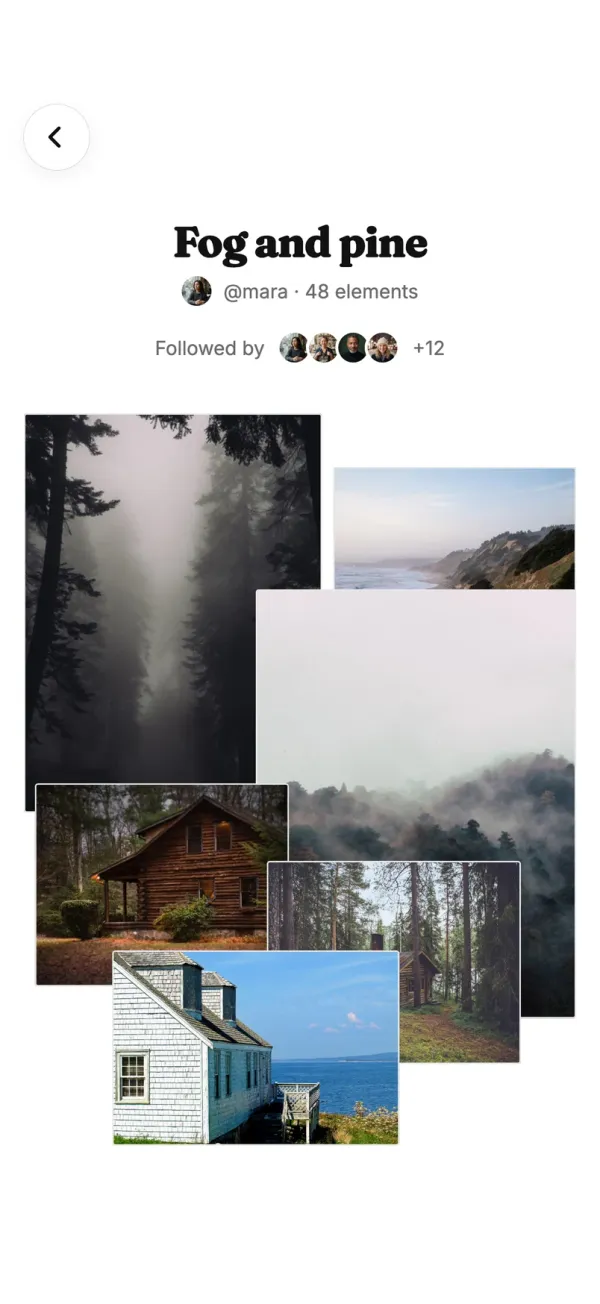
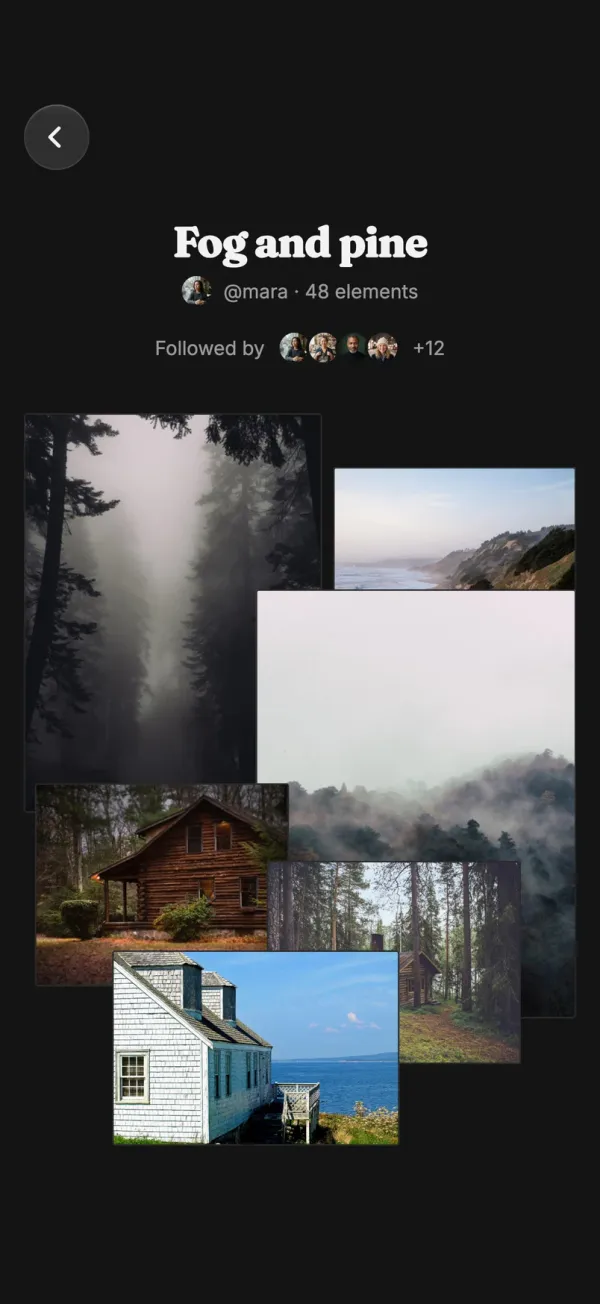
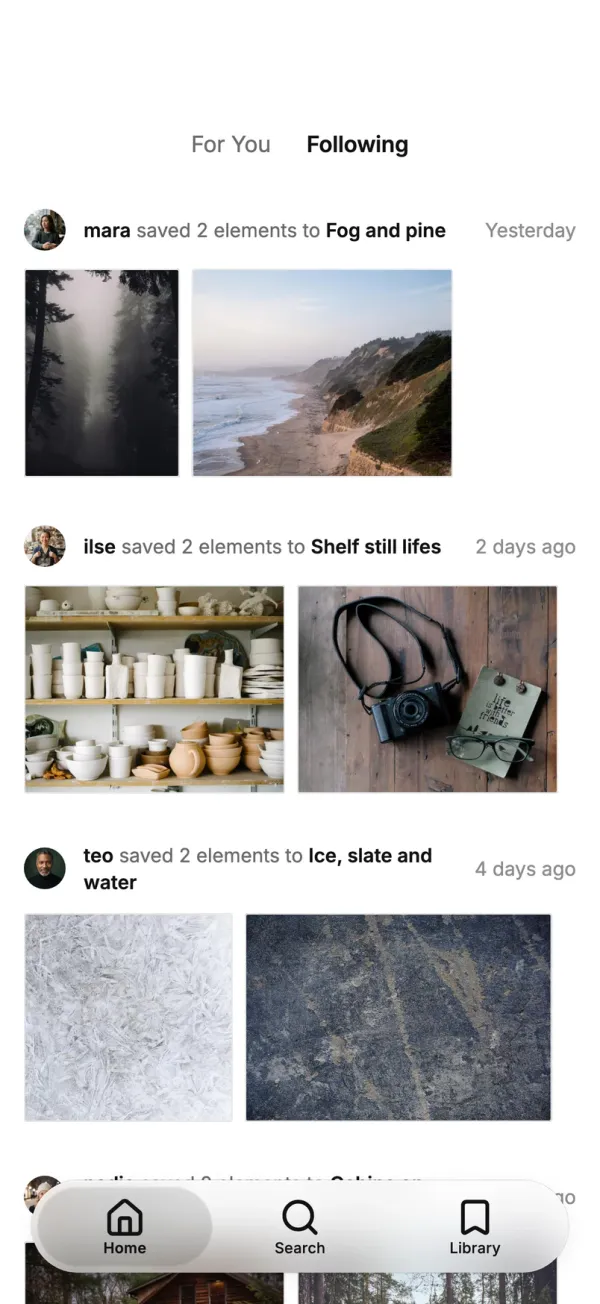
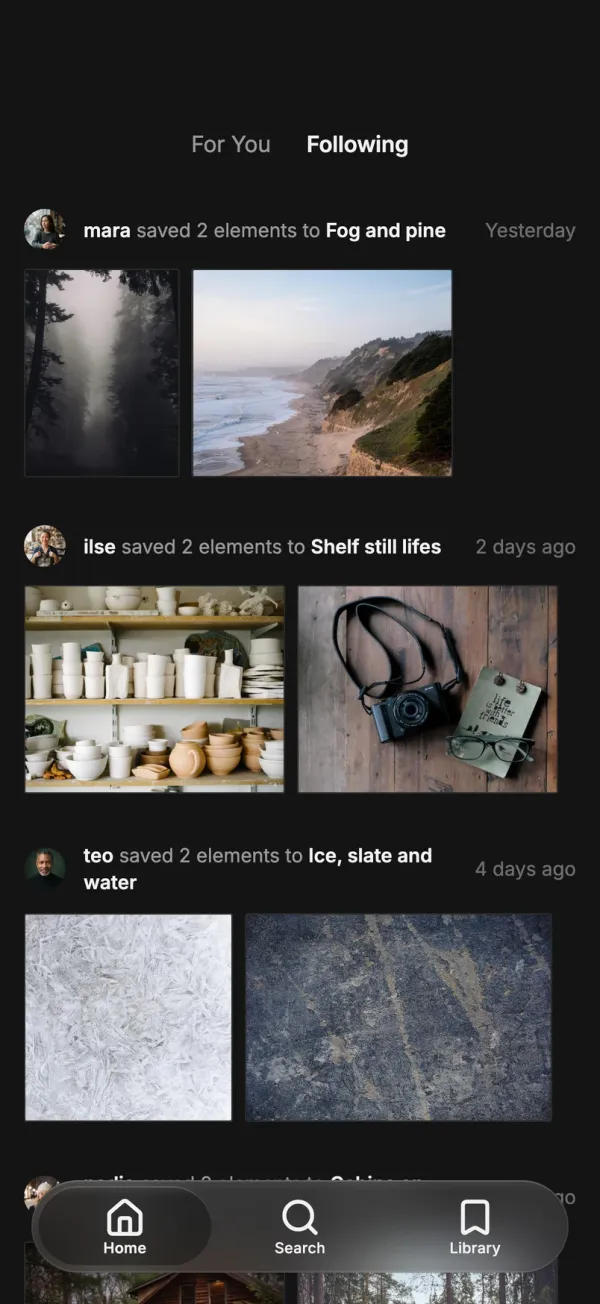
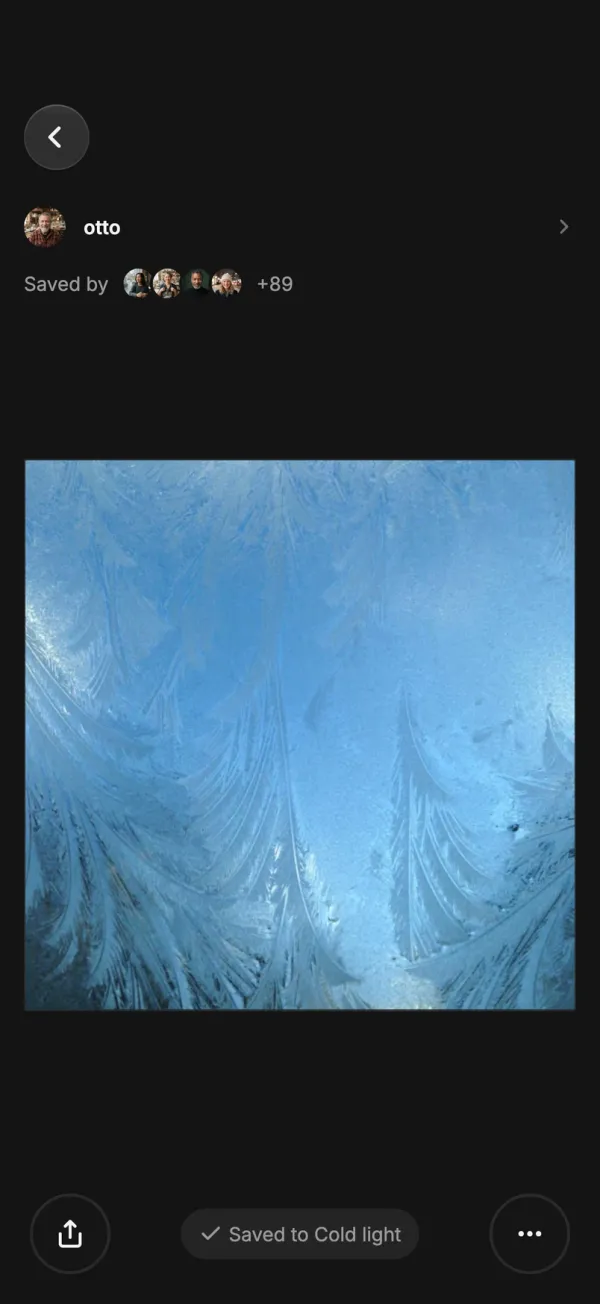
Fog and pine, a collection of photographs in TroveFog and pine, a collection of photographs in Trove
Trove
Save photographs into collections of your own.
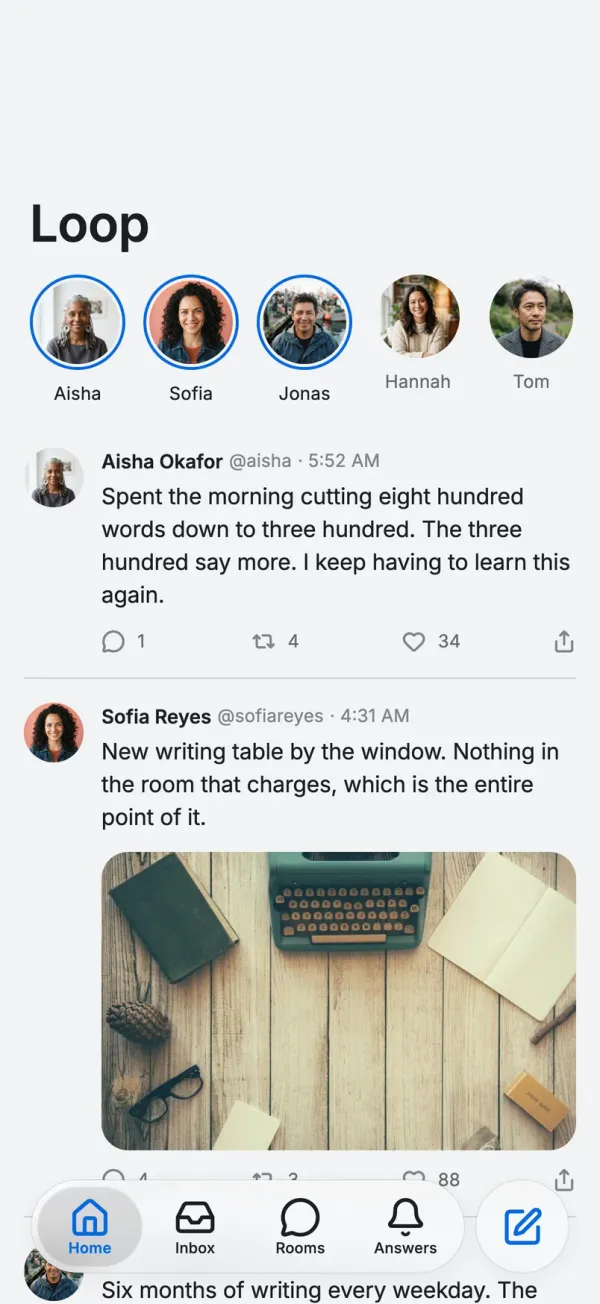
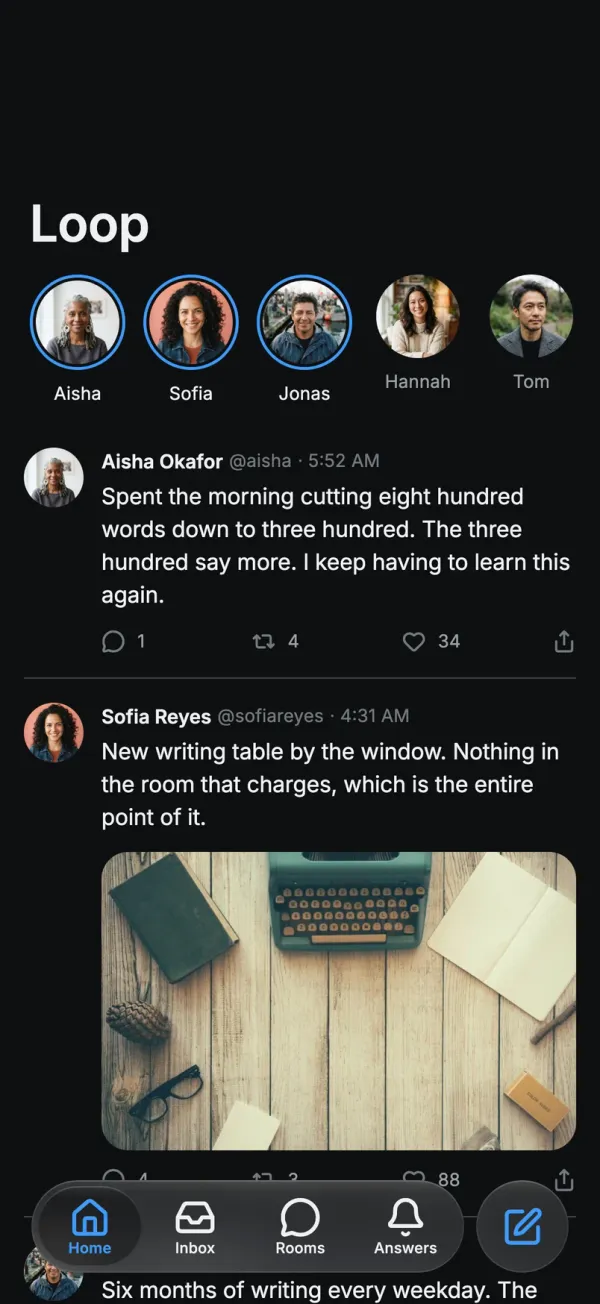
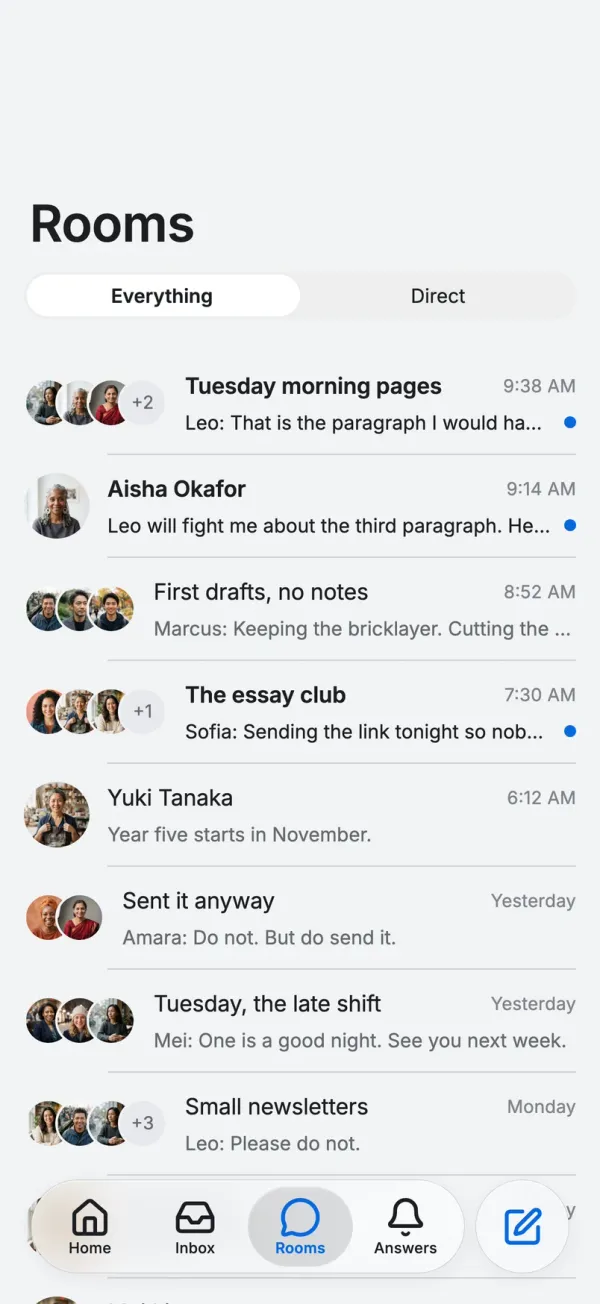
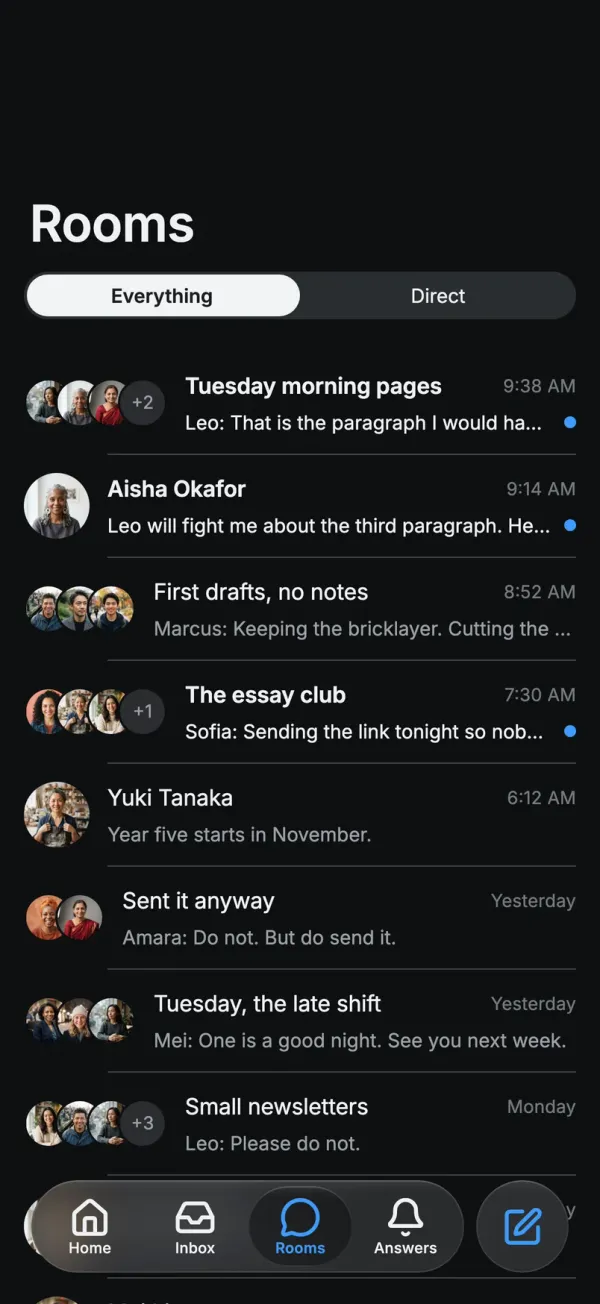
Loop's feed: notes from the writers you followLoop's feed: notes from the writers you follow
Loop
Short notes and long letters from the writers you follow.

FlutterFlow

Six years of shipped apps

Years shipping apps
6
Apps shipped
50,000+
People have built on FlutterFlow
3.3M

Trusted by teams at

  • GM
  • Google
  • Amazon
  • IBM
  • Microsoft
  • Capital One
  • NOV
  • Wendy's
  • Salesforce
  • FIS

FlutterFlow Studio

Or, give your team full visual control with FlutterFlow Studio

FlutterFlow Studio is the visual builder teams have shipped with for years: pixel-level control, custom code, shared libraries, branching, and enterprise support. Now with an SDK, a CLI, and an MCP surface, so your agents can work in it too.

  • Shared libraries

    Components, themes, and logic packaged once and reused across every project.

  • Branching and review

    Work in parallel, review changes, and merge with confidence.

  • Custom code and export

    Drop in Dart where you need it. Export clean Flutter whenever you want.

  • Enterprise-grade

    SSO, audit logs, private cloud options, and a team that answers.

Already a FlutterFlow user? Everything you’ve built is right where you left it. Open the builder
Describe your app