

Set up once
Connect your developer accounts, set the App ID, and write the listing people will see in each store.
FlutterFlow’s visual builder is now FlutterFlow Studio. Everything you’ve built is right where you left it. What’s changing
iPhoneAndroid
Describe your idea. FlutterFlow will build the app, backend, analytics, and store releases.
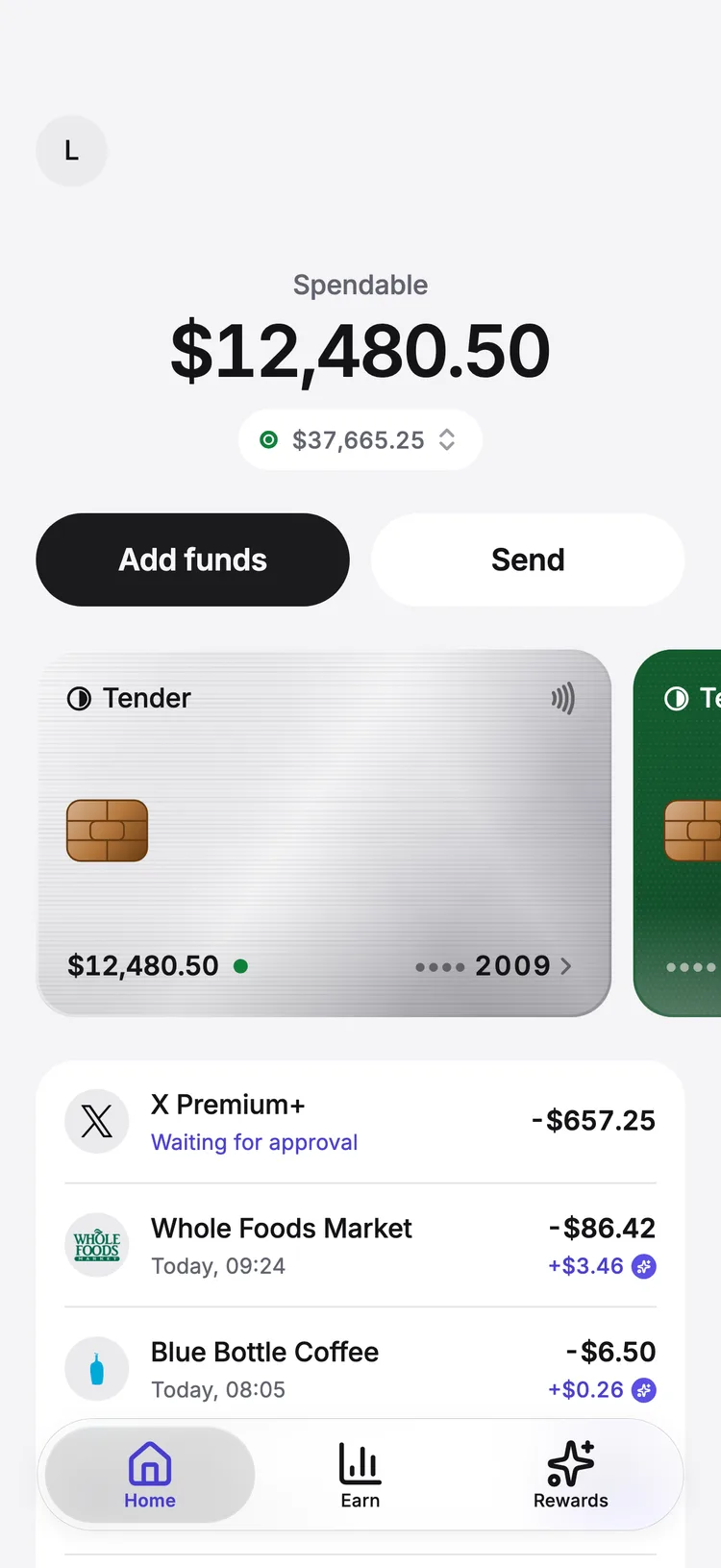
FlutterFlow’s workspace on the app Ledger: the agent finishes a change that charts each account’s year, the Brokerage screen appears on the phone preview at $8,214.30, and the change is pushed to the app.
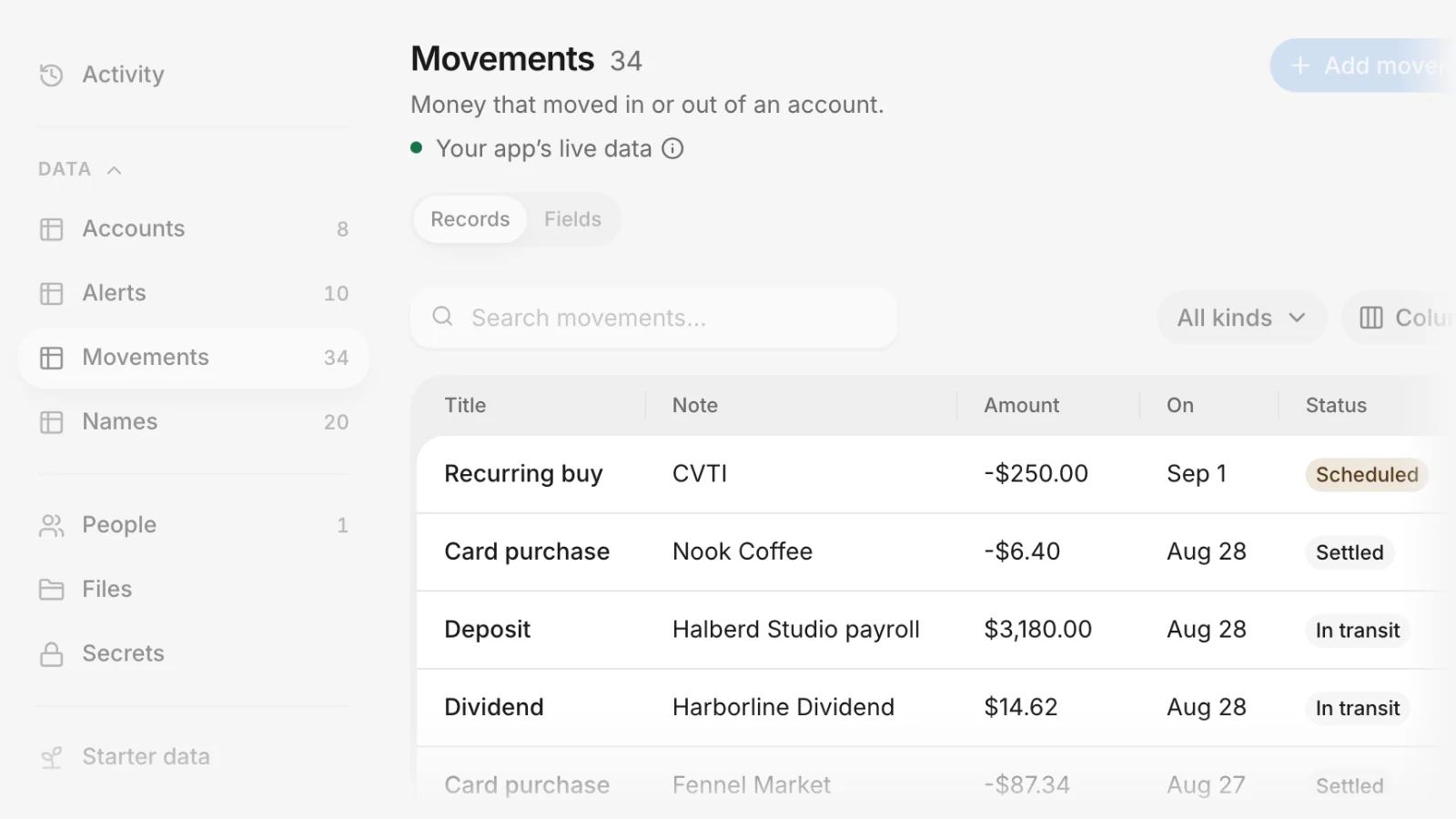
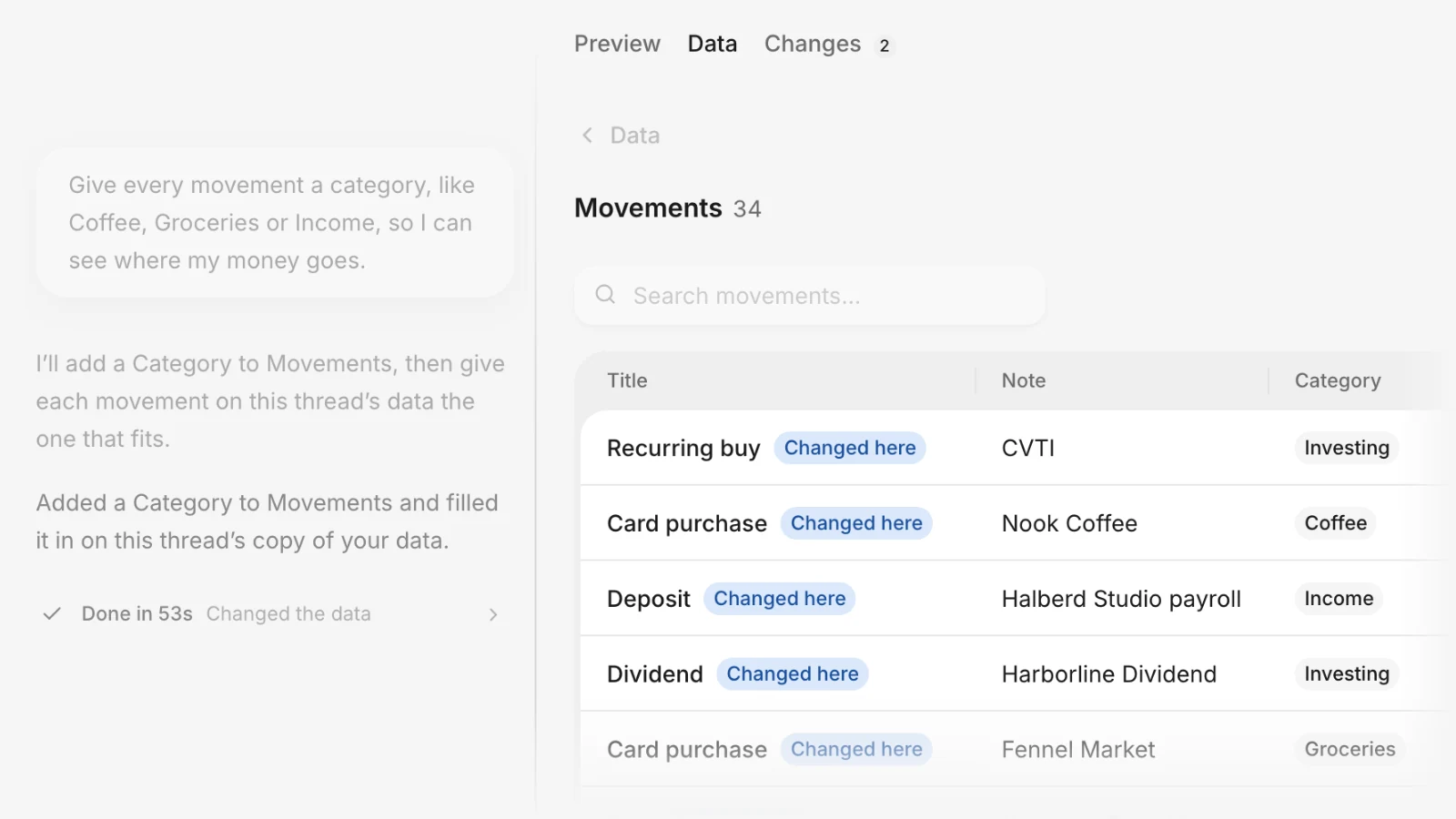
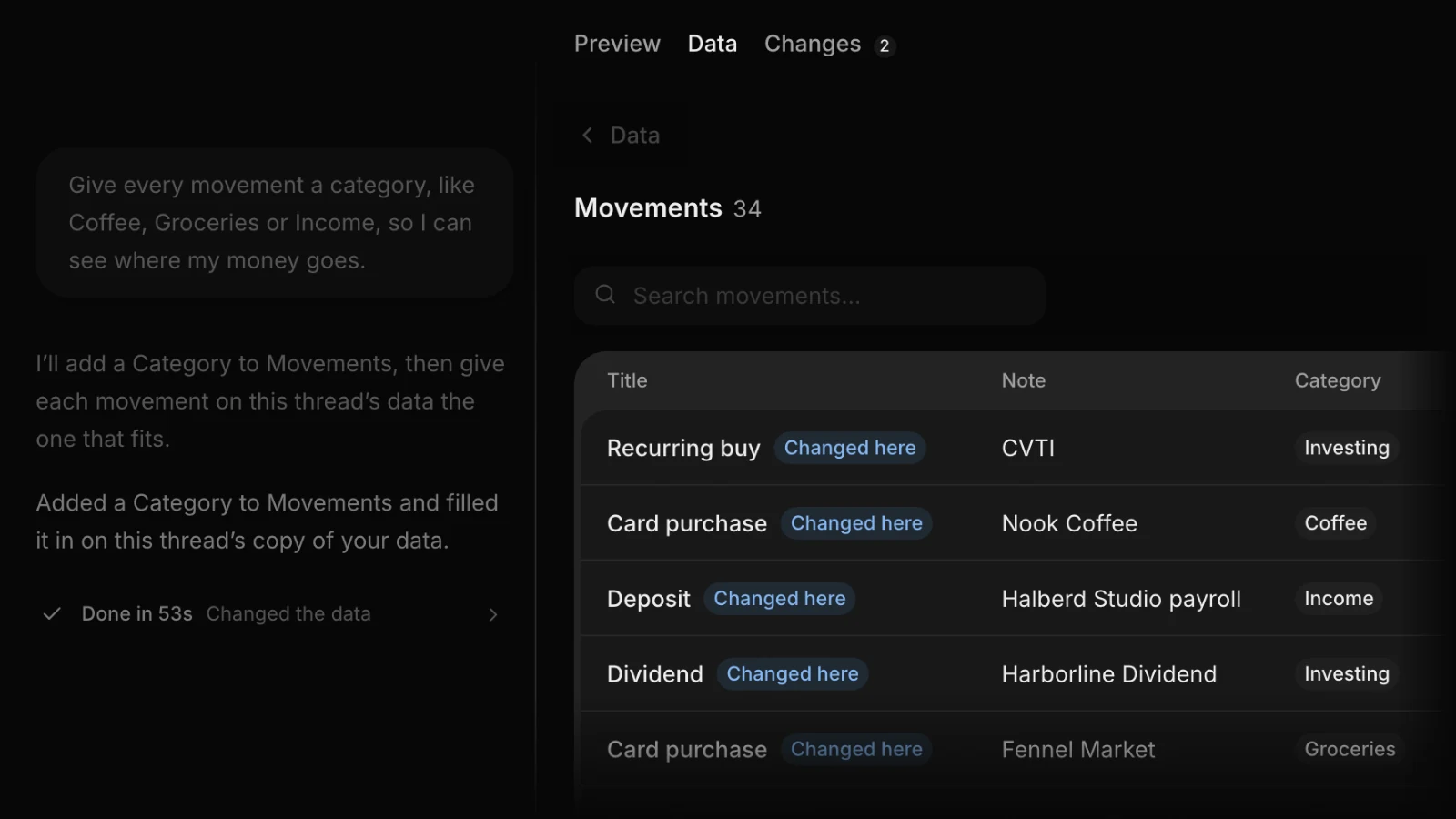
Ask the agent for a database or sign-in. Then manage records, users, and files yourself, and see how it all works together.
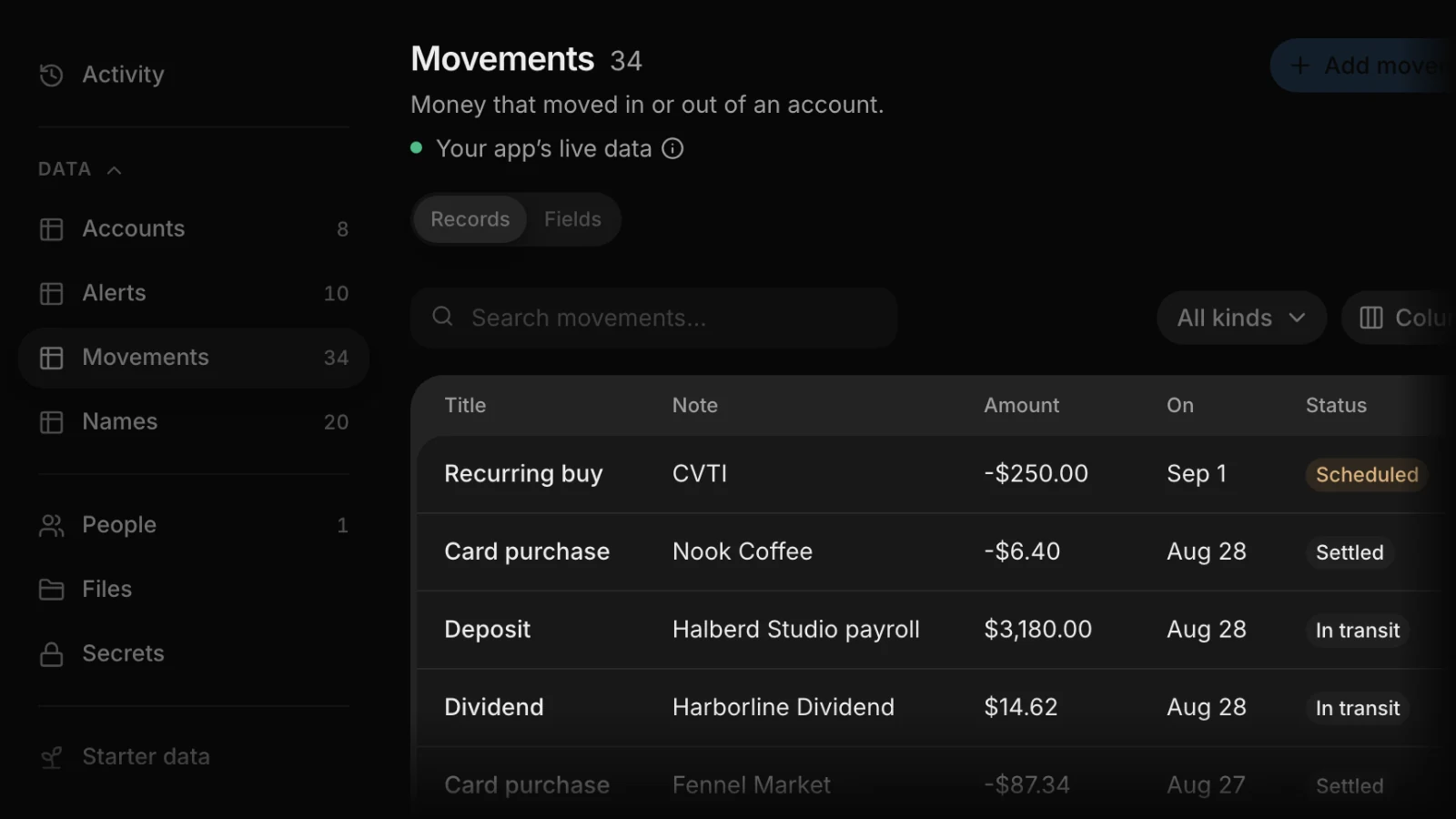
Ledger’s Backend: a Deposit record’s status changes from In transit to Settled, it’s saved to the app, and the Movements table shows Settled.
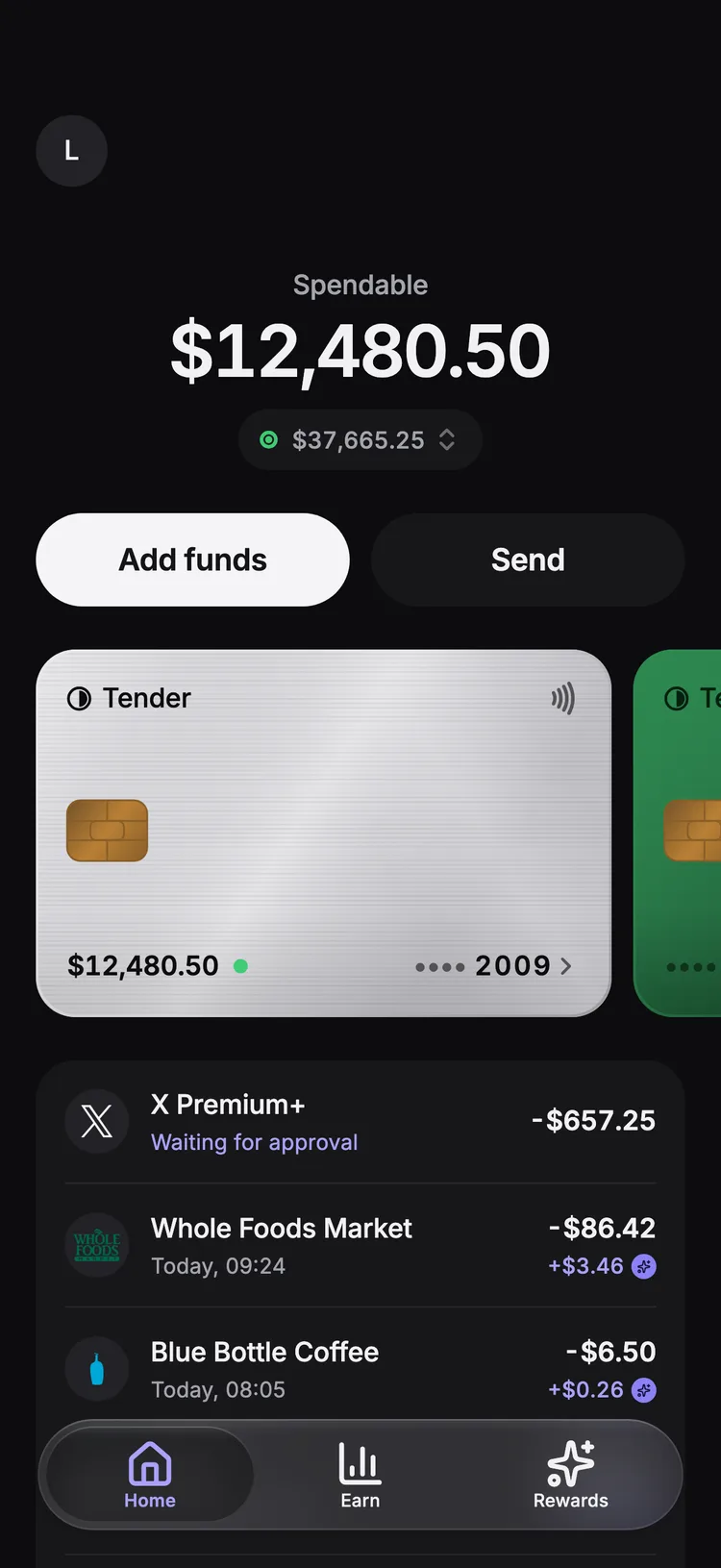
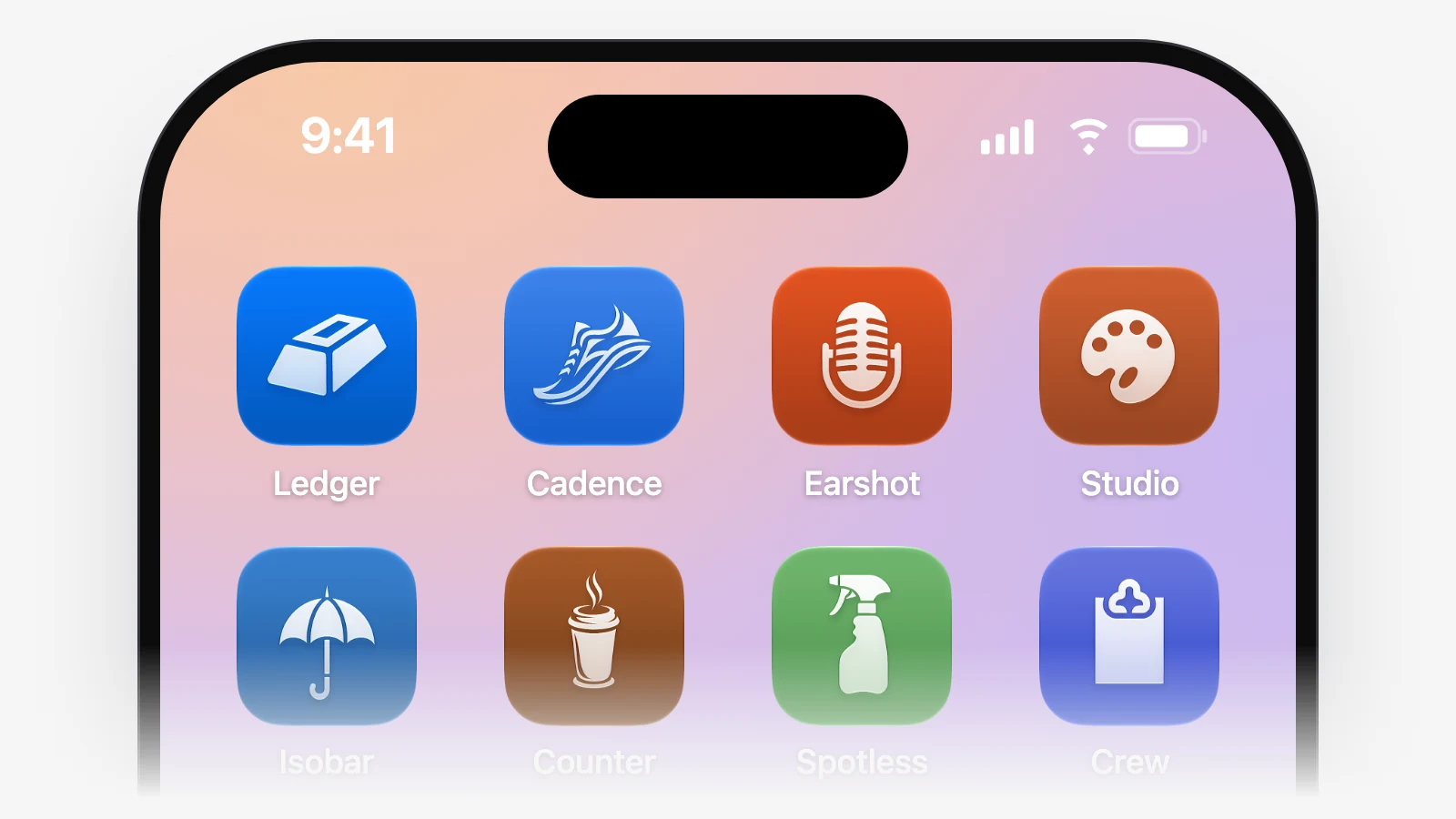
Name a style or colours in your brief, attach your logo and fonts, and compare directions before you pick. Every app has light and dark, and an icon drawn for it.
Share a link that opens without signing in, scan its QR code, or add it to the Home Screen. Install a real test build on Android or through TestFlight.
FlutterFlow’s Share panel: QR code is pressed, the QR code appears, and the app opens on a phone without signing in.
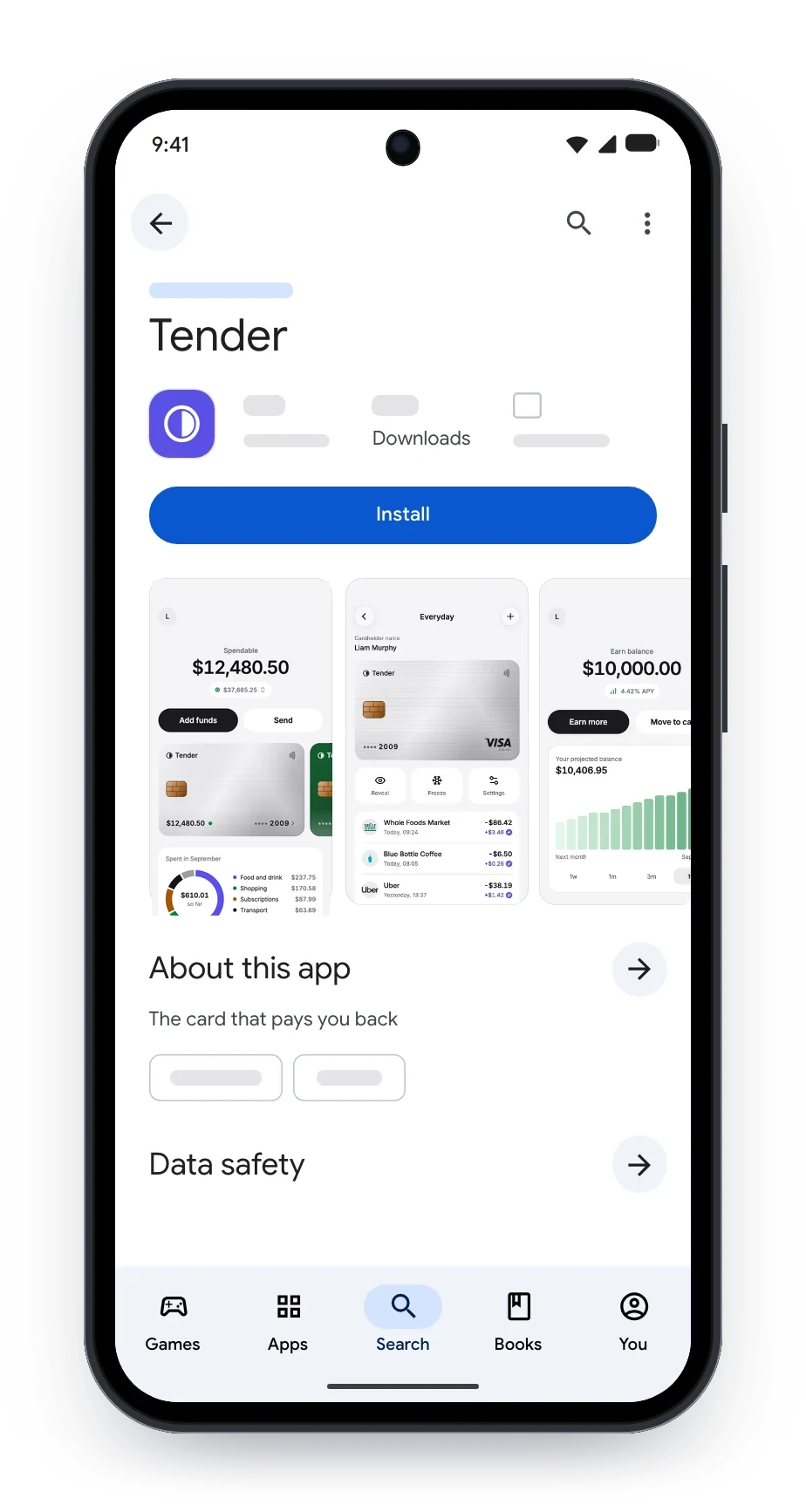
Connect your Apple and Google accounts once. FlutterFlow builds each version, sends it to testers, then to review, and shows where it stands.
Connect your developer accounts, set the App ID, and write the listing people will see in each store.
Each version goes to TestFlight and Google Play’s closed test, and the Overview shows where it stands.
Versions: version 1.2 goes from Processing and Uploading to Ready for testing on the App Store and Google Play, above 1.1, live on the App Store.
Submit for review and choose a Google Play rollout. If Apple asks for changes, fix them with the agent.
Store status: version 1.2 goes from Ready for testing to review to Live on the App Store and Google Play.
See it live in both stores. Go back to an earlier version, or download the app files.
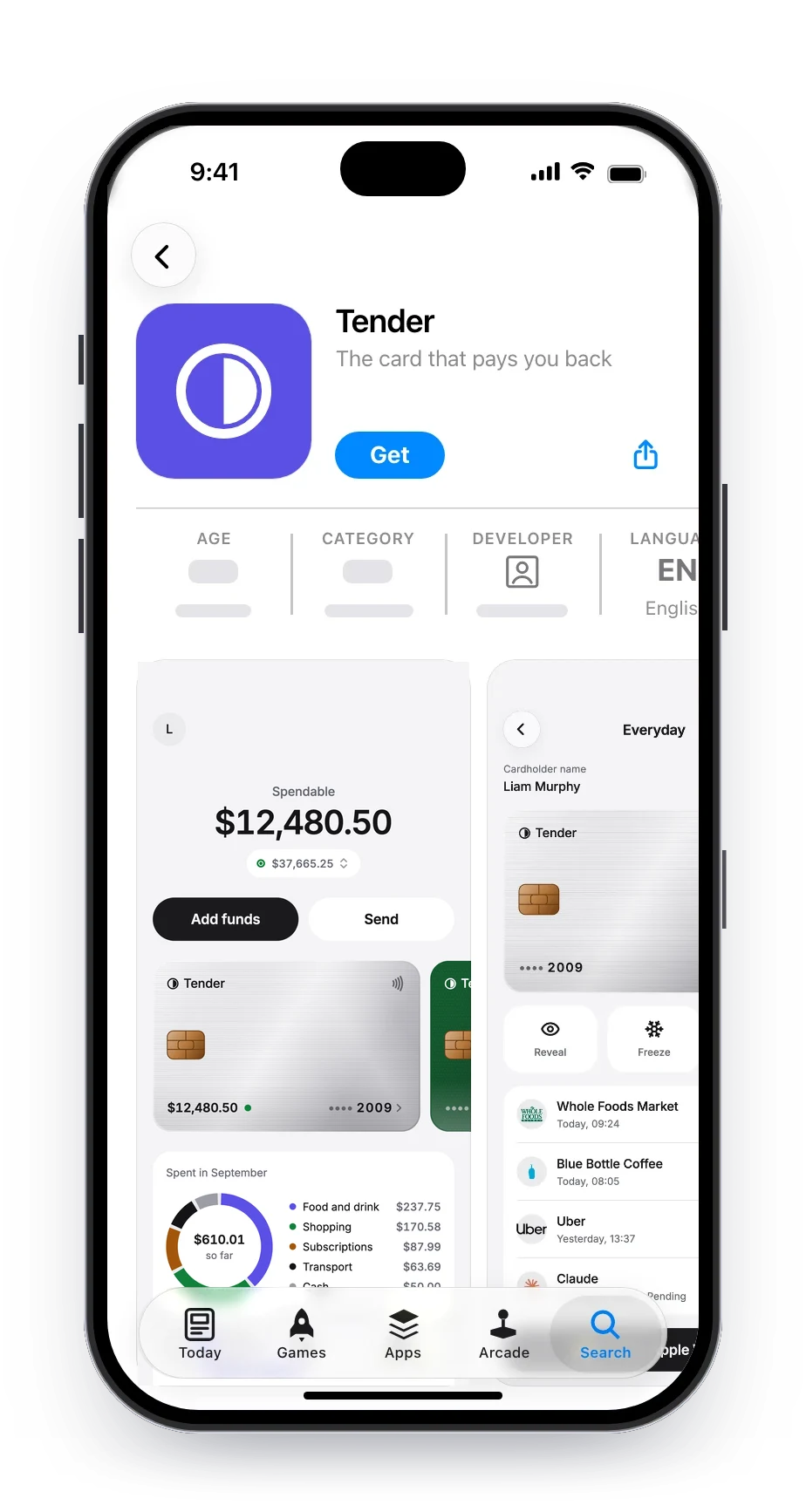
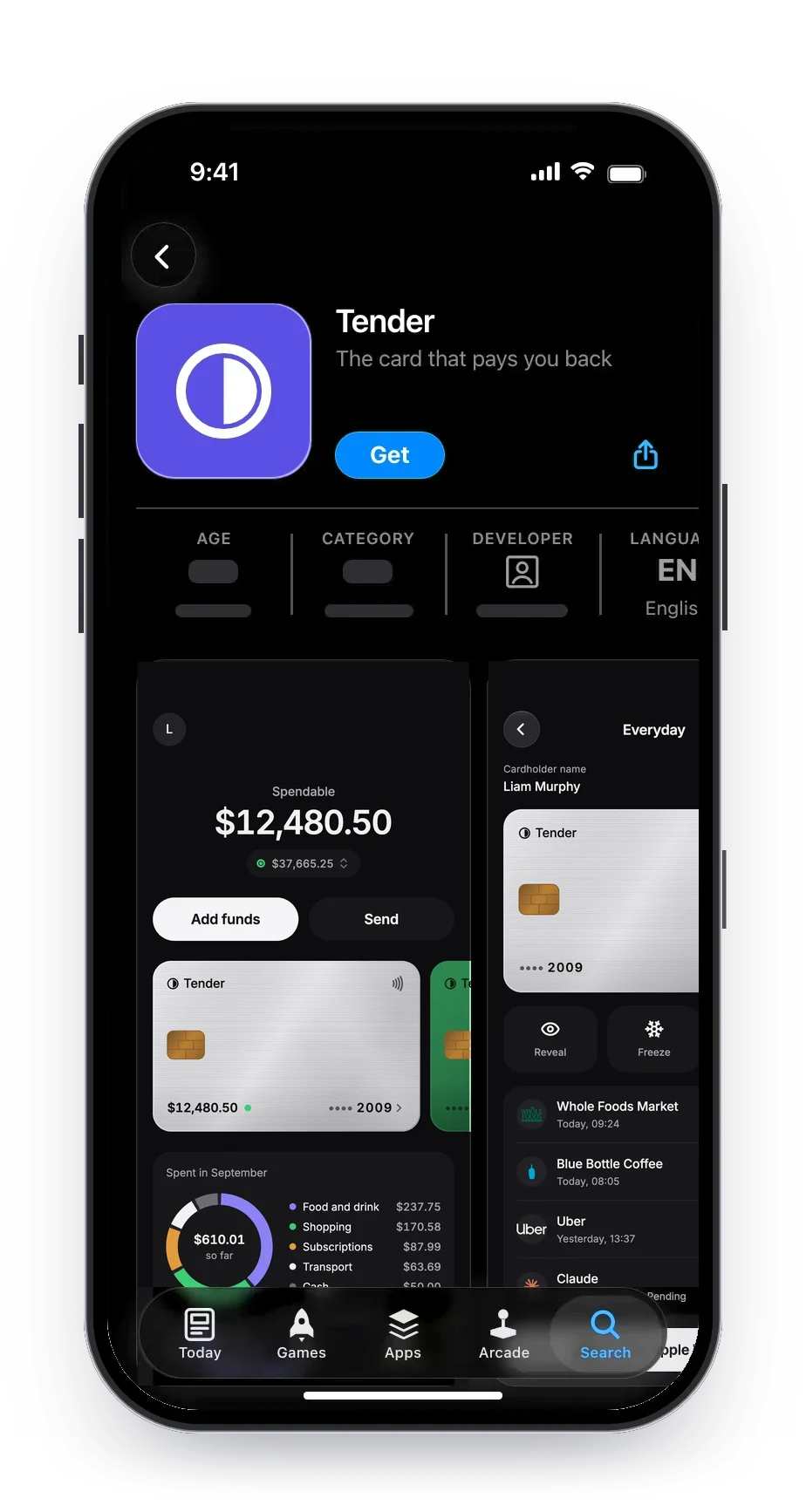
Payments, email, AI models, ads and more, connected once for your app and the agent. AI services bill to your own key.
 Stripe Payments
 Resend Email
 OpenAI AI
 Anthropic AI
 Google Gemini AI
 AdMob Ads
 Airtable Data
 Notion Productivity
 Discord Communications
 Telegram Communications
 App Store Connect Deploy
 Google Play Deploy
The specifics people check before they build: code, the web, sign-in, payments and the stores.
No. FlutterFlow builds and changes your app for you, and you can download the built phone files (.apk, .aab and .ipa) from Releases. If you want the code, build in FlutterFlow Studio.
Through a share link: it opens in any browser without signing in, and visitors can add it to their Home Screen. Custom domains aren’t available yet.
Email and password, and guest accounts. Google and Apple sign-in aren’t available yet.
Yes. FlutterFlow can help you build one-off payments and recurring subscriptions through Stripe Checkout. App Store and Google Play purchases aren’t available yet.
Yes. FlutterFlow connects to your own accounts and sends each version through.
Still have a question?
Contact usStudio is the visual builder: every widget and setting, custom code, Flutter code you can download, and web apps.