Features
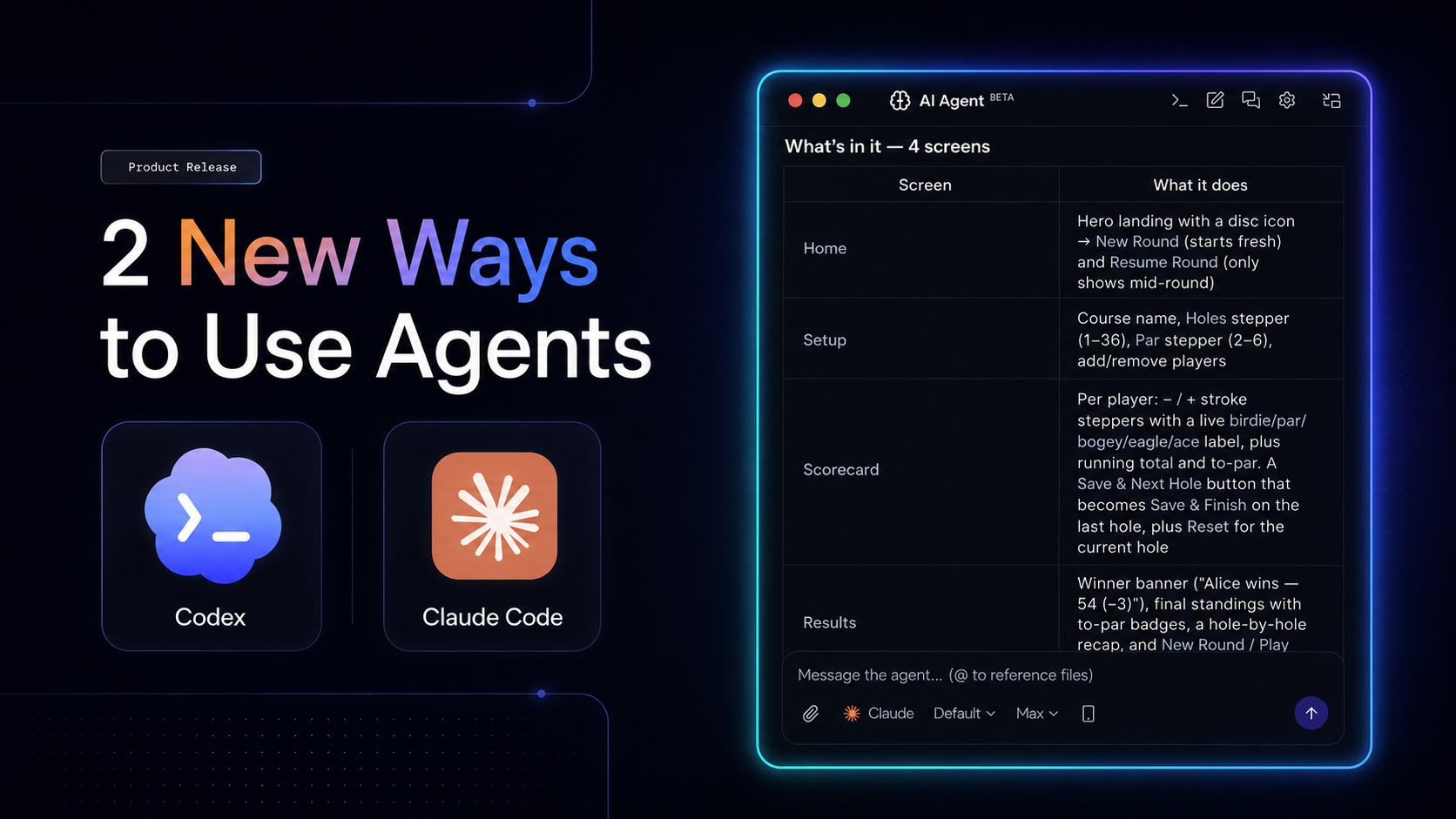
Native AI Agent in FlutterFlow Desktop (macOS)
Use Claude Code or Codex directly inside the FlutterFlow desktop app. Watch the walkthrough on YouTube.
- Open the agent from the AI agent icon and automatically connect to the agent configuration already on your system.
- Select Claude or Codex, choose a model and reasoning level for each message, and attach files.
- Generate pages and custom code while you continue working elsewhere in the app.
- Right-click any widget to add it to the agent’s context.
- Enable remote access to continue a session in the Claude or Codex mobile app.
- Resume a session in a terminal.
- Create new threads and review past conversations.
- Use the settings panel to override and review your configuration, or download logs for troubleshooting.
Claude Code and Codex Plugins
Connect Claude Code and Codex to FlutterFlow in both desktop and terminal apps. Watch the setup walkthrough on YouTube.
- Install by adding the GitHub repository as a marketplace or plugin source, then sync and install.
- Create a new FlutterFlow project from a single prompt.
- Edit an existing project by name or project ID. The agent reads your pages and components before making changes.
- Initialize the FlutterFlow CLI using an API key read from your clipboard, so it is never stored in chat history.
Repositories: Claude Code plugin · Codex plugin
Improvements
- Settings: A new Enable Text Selection setting under App Settings > General > Display Settings makes all text in your app selectable.
- Agents: The MCP tool connected to FlutterFlow Desktop can now take a screenshot of the Builder canvas to see your design, with no local run required.
- Widgets: PinCode fields now let you choose the entry animation (Slide, Fade, Scale, or None) and customize its curve and duration.
8 Bug Fixes
- Multilingual text now keeps the correct translations when copying widgets or actions between projects, even when their language lists are ordered differently.
- Fixed a crash that could close the Windows desktop app shortly after opening a project or the Designer onboarding on some machines.
- Fixed conditionally visible widgets disappearing from the design canvas when Show in UI Builder was enabled.
- Paid-plan users can now reliably access the Debug Panel in the new Test Mode.
- Fixed unclickable delete icons for properties and other entries in native configuration files, including
Info.plistandAndroidManifest.xml. - Paid-team collaborators now see the full snapshot history allowed by the project owner’s plan, instead of only the last hour.
- What’s New links in the Help menu and Resources page now open the in-app changelog.
- Fixed Push Notifications deployment for Firestore databases outside
us-central1. The Deploy button now guides you through the one-time permission grant required to finish setup.