iPhoneAndroid
Build your app with an AI agent
Describe your app, and the agent builds it, checks it and changes anything you ask.
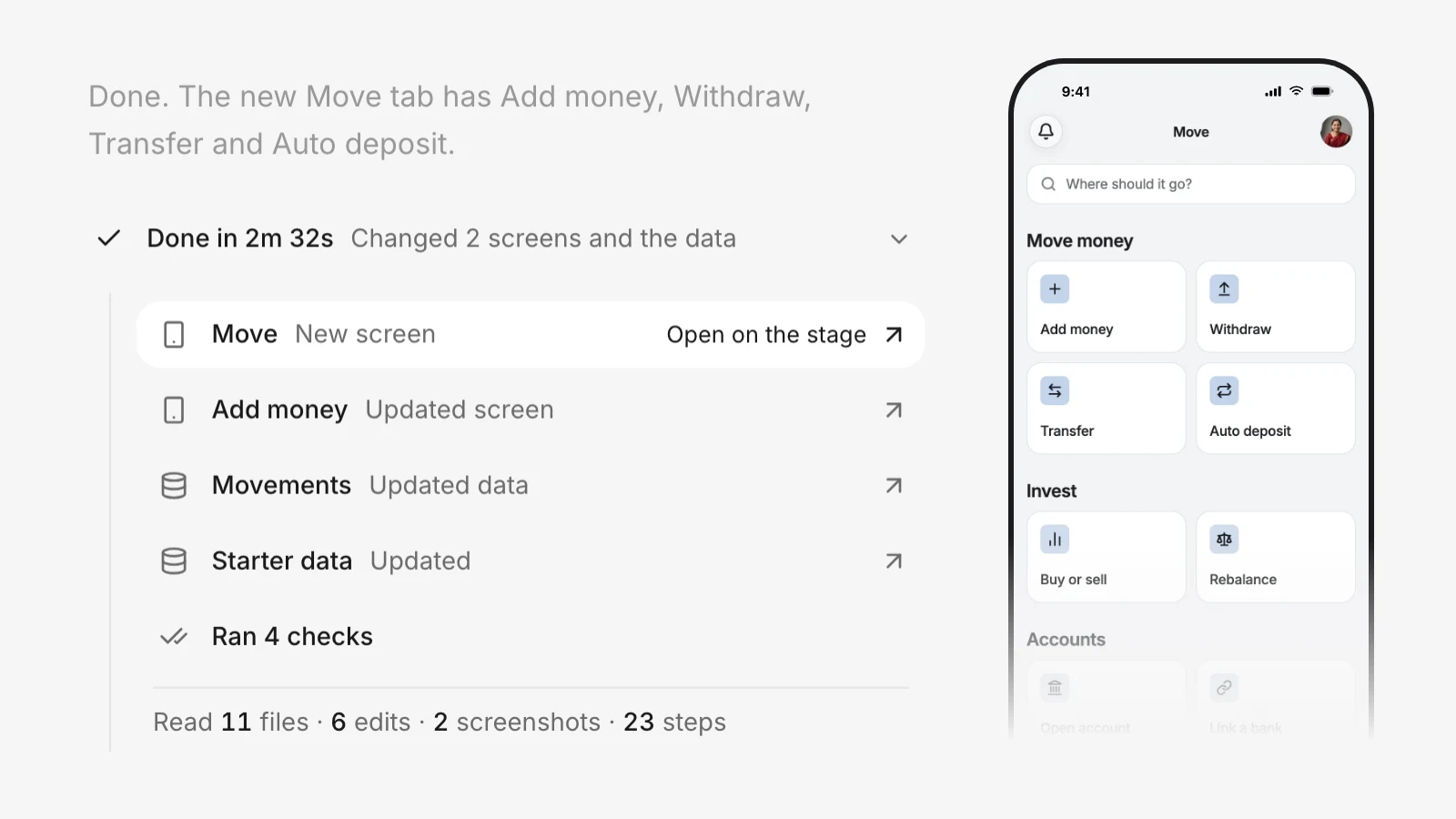
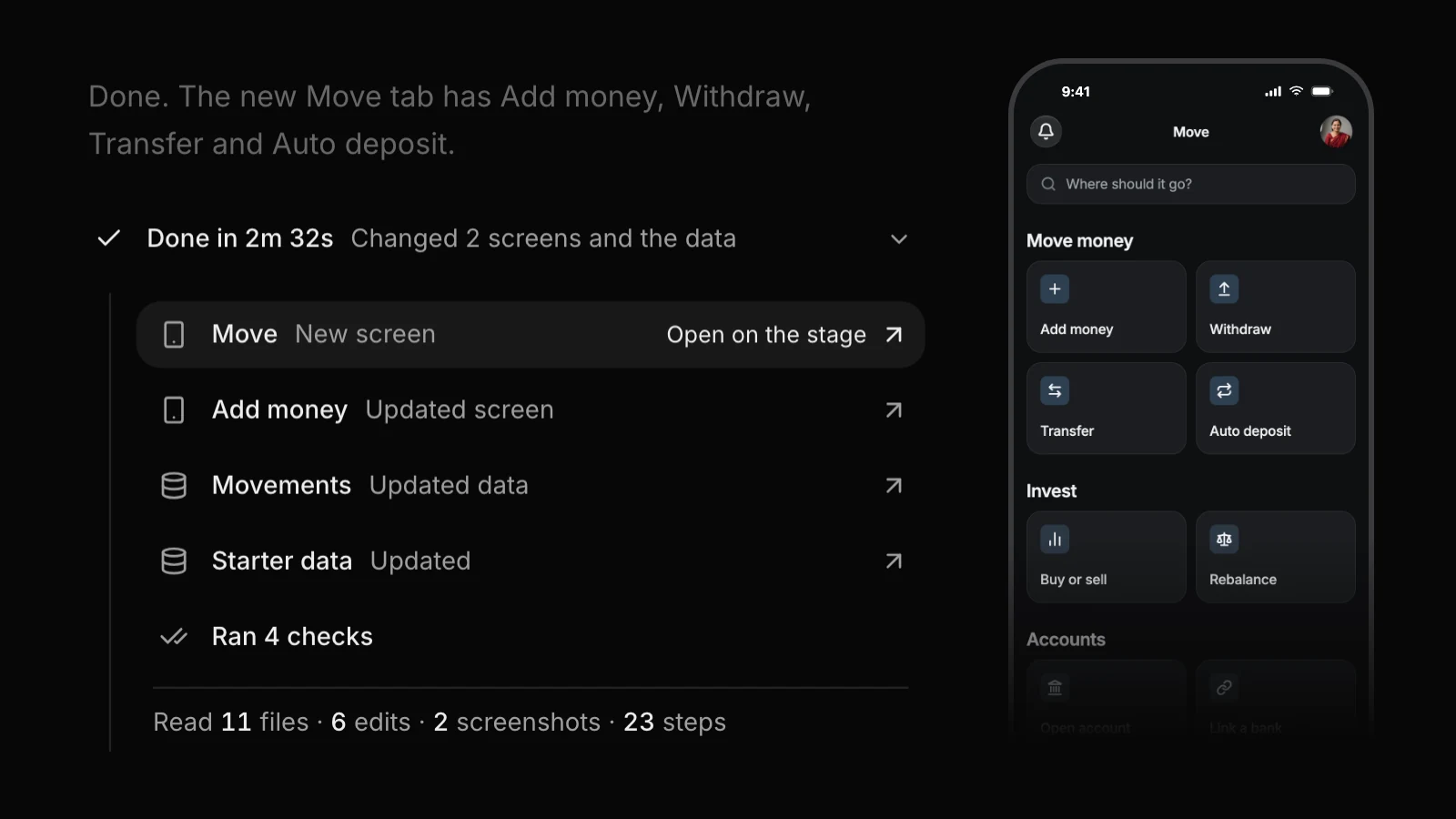
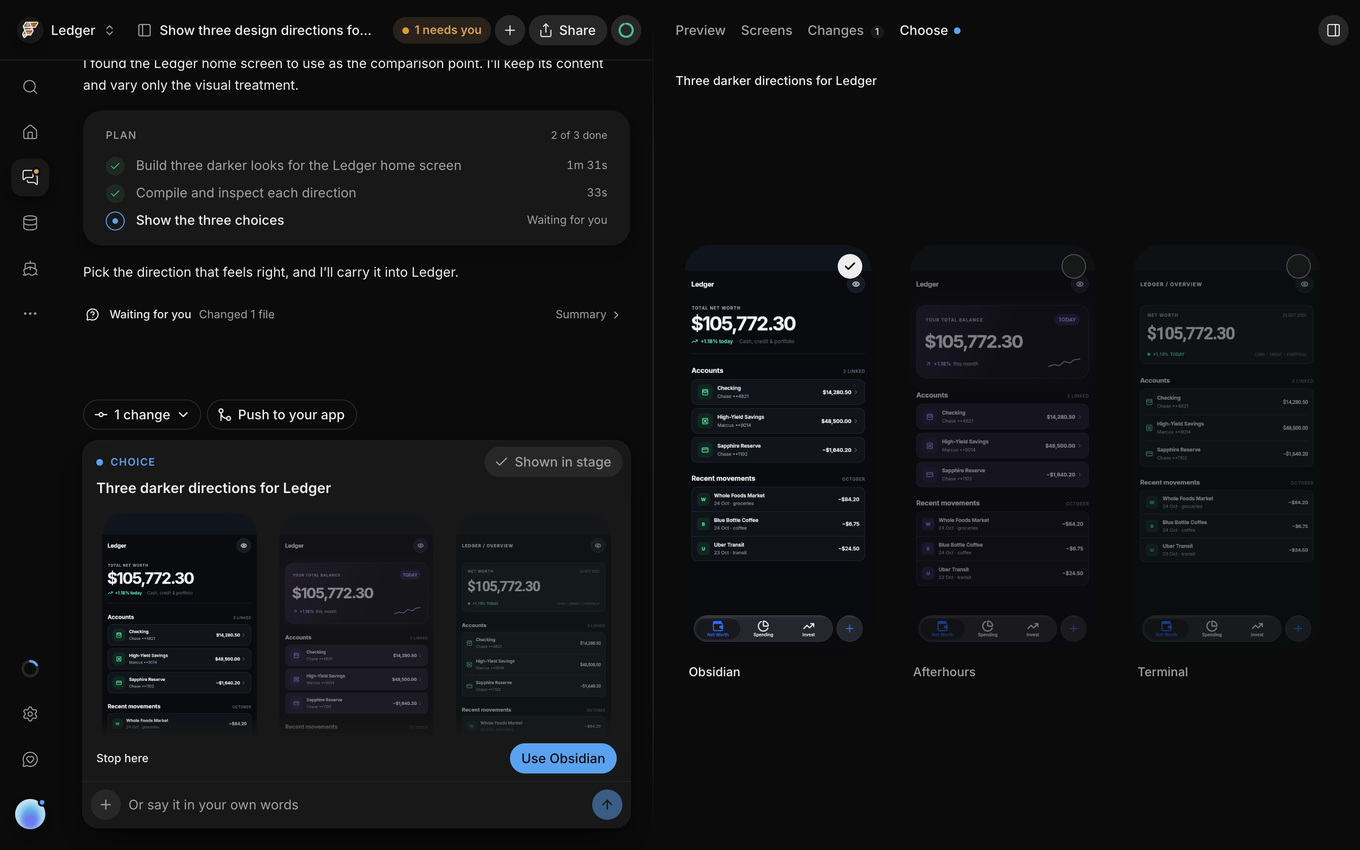
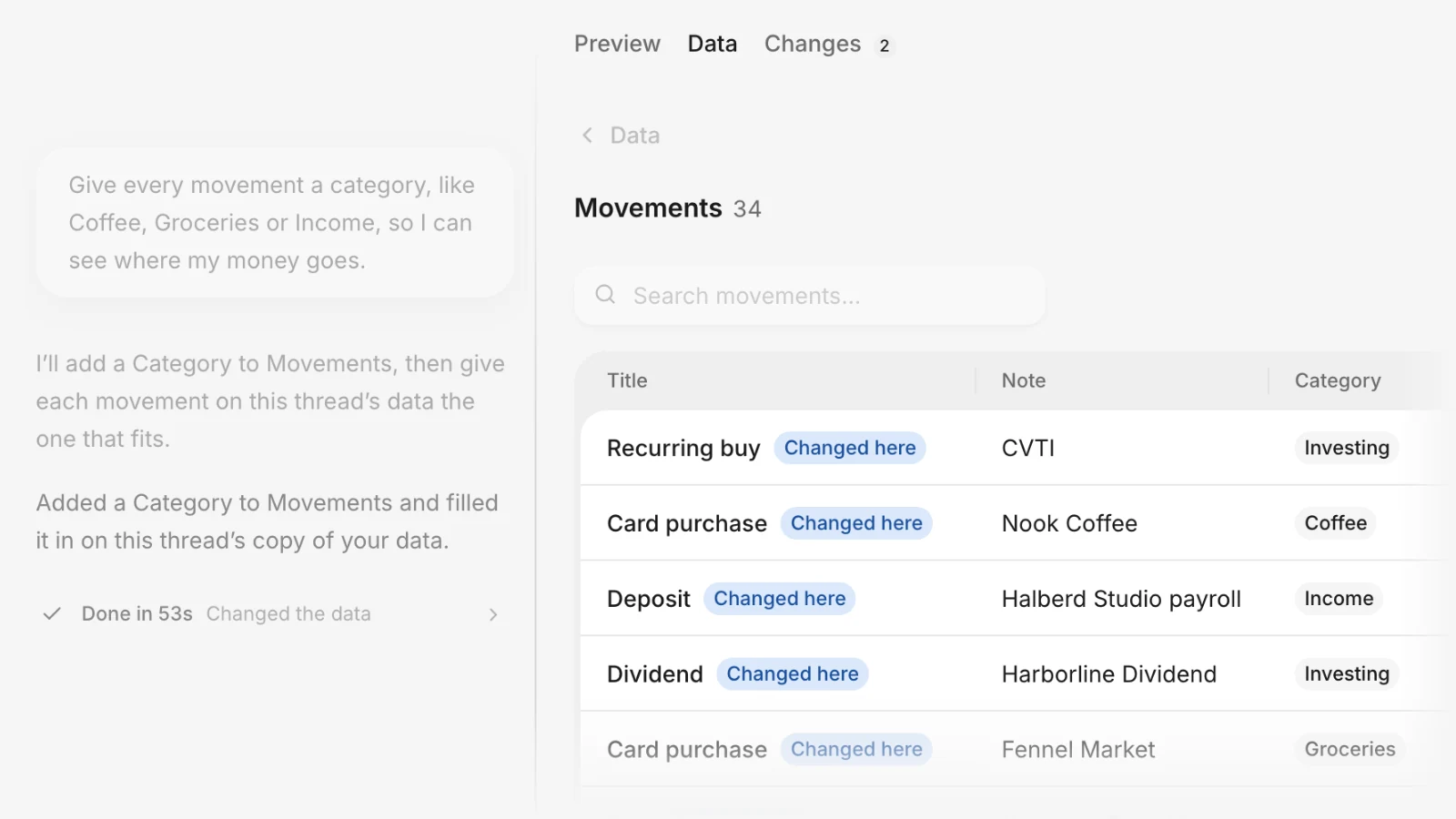
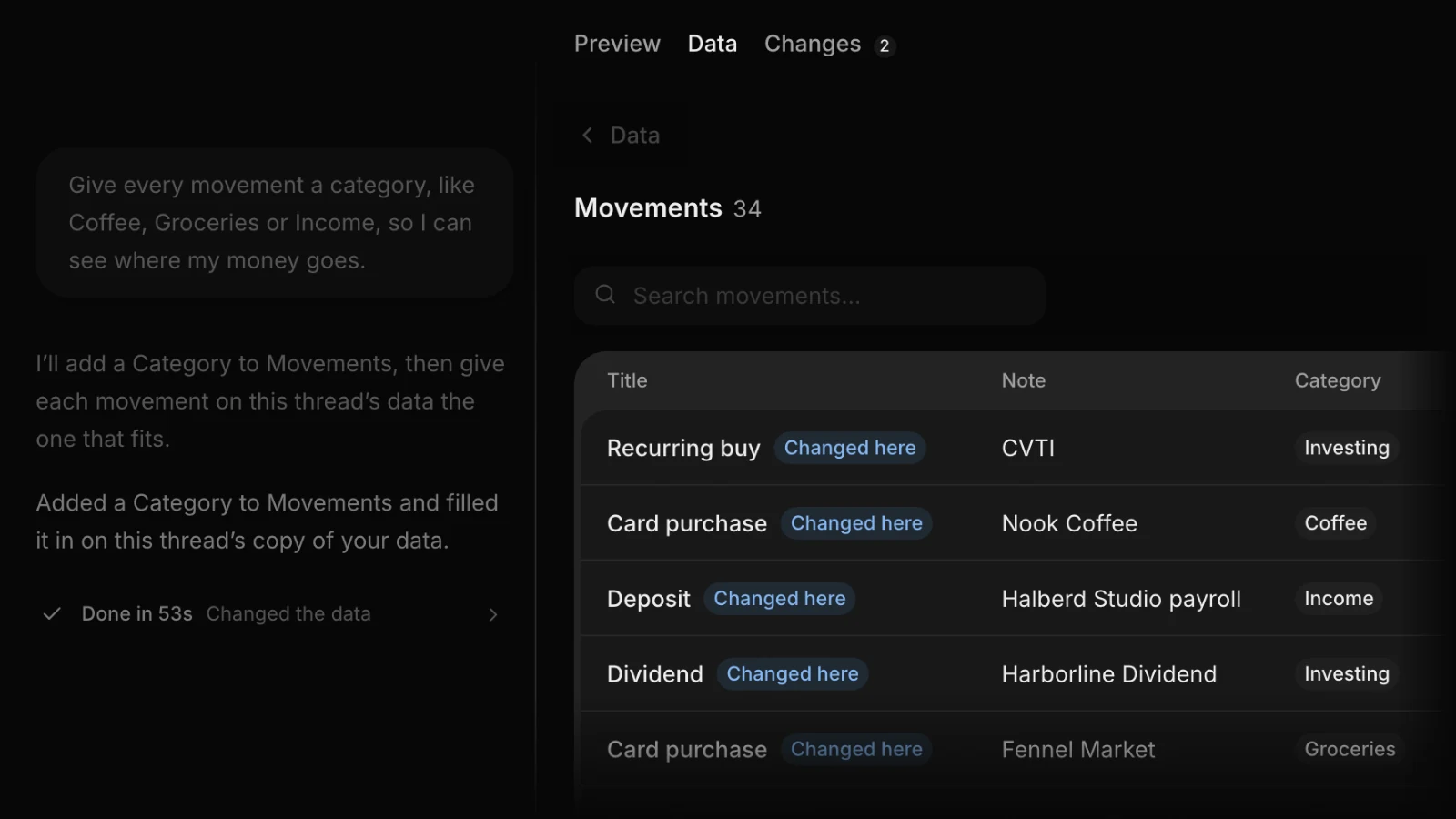
Stay in charge of every change
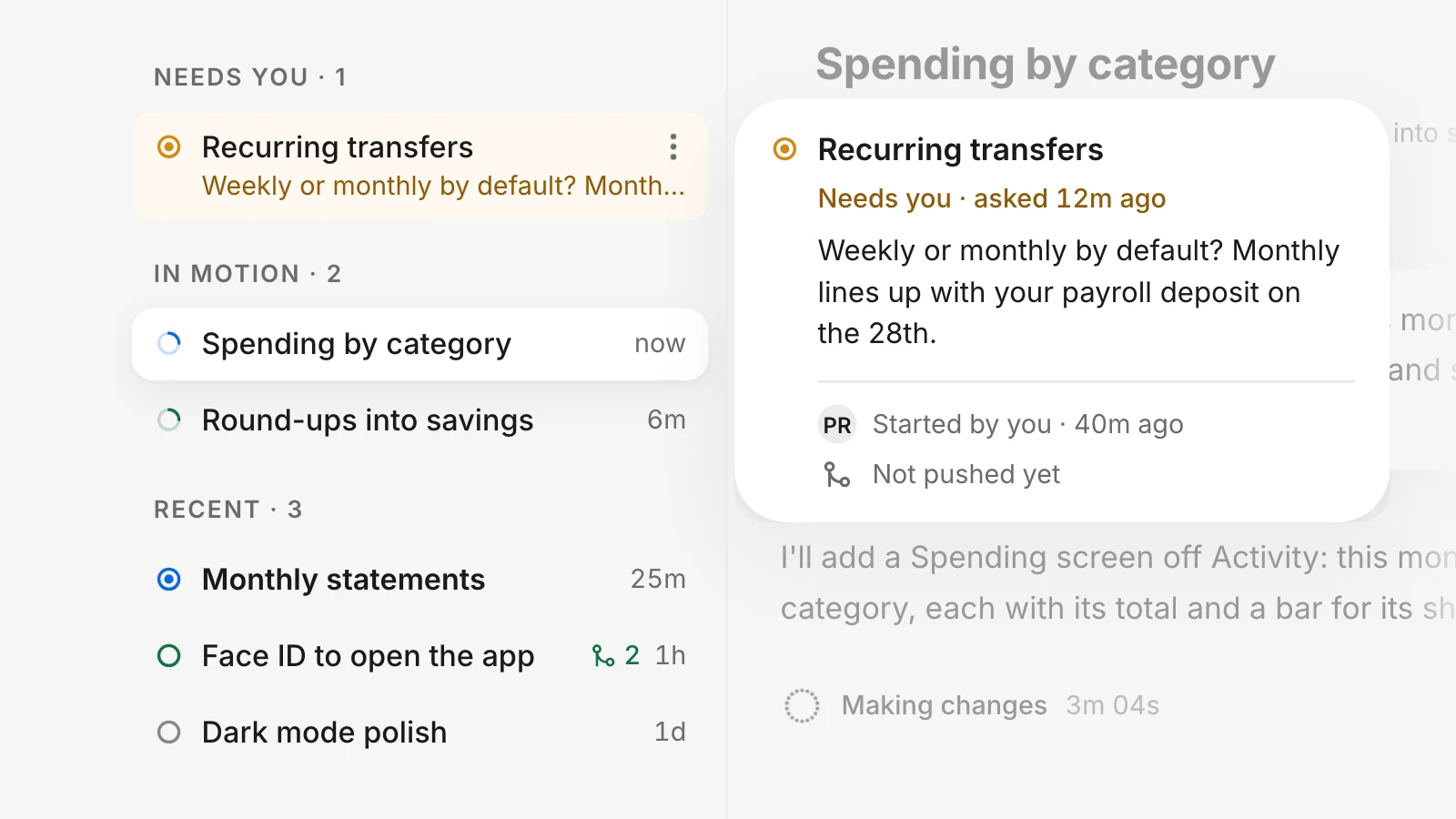
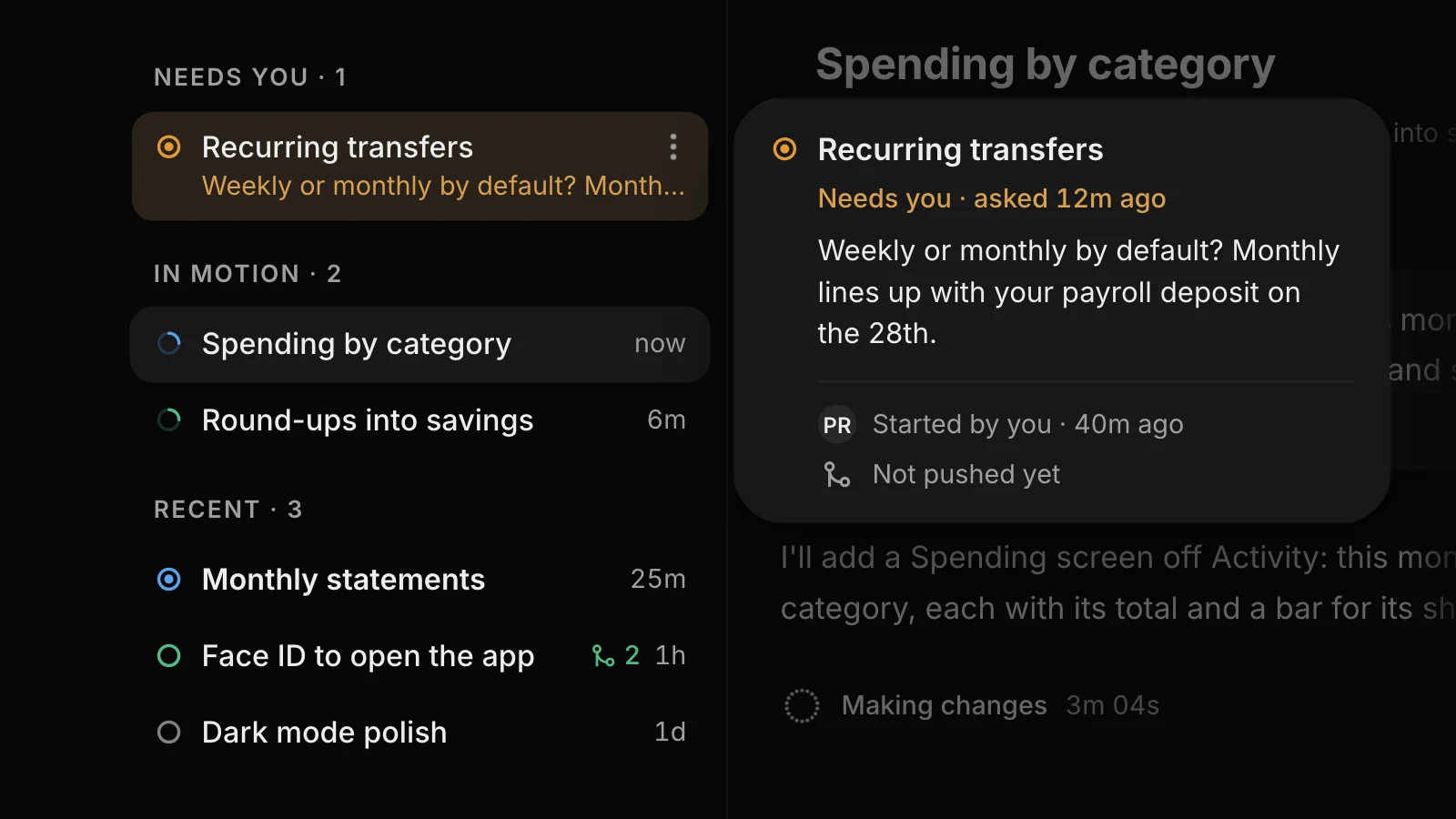
Each idea gets its own thread. The agent works on its own copy of your app, and stops to ask you when a choice is yours.
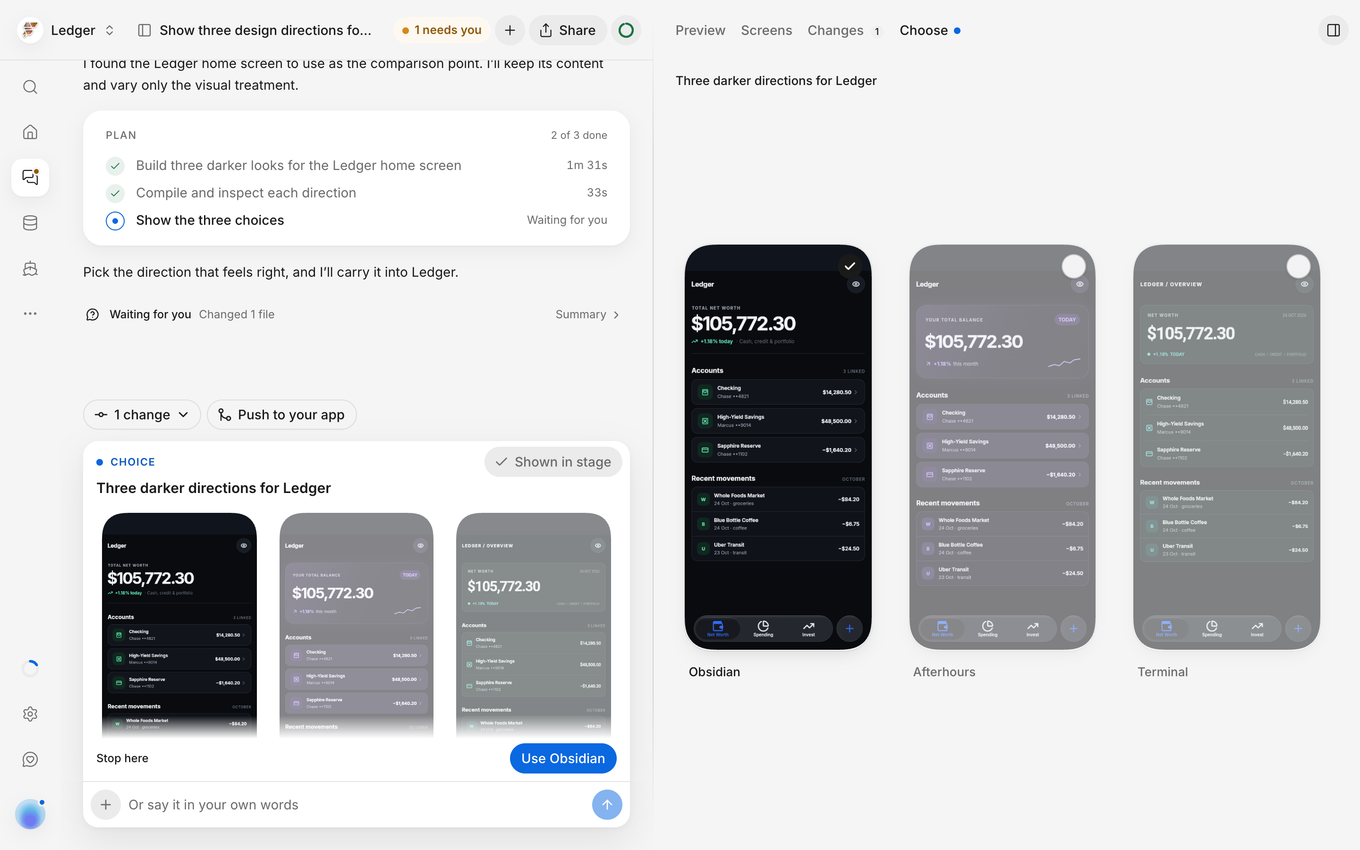
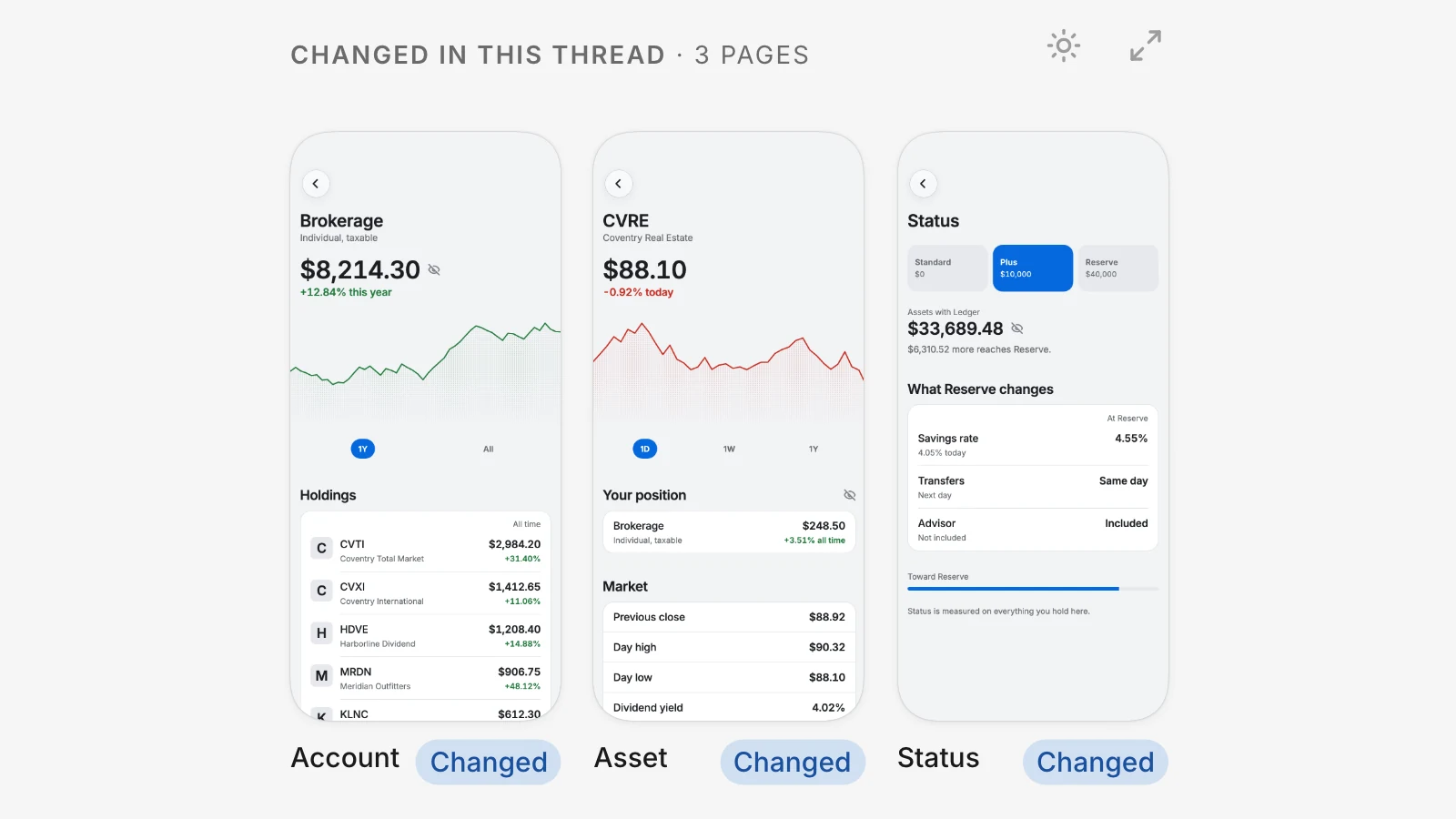
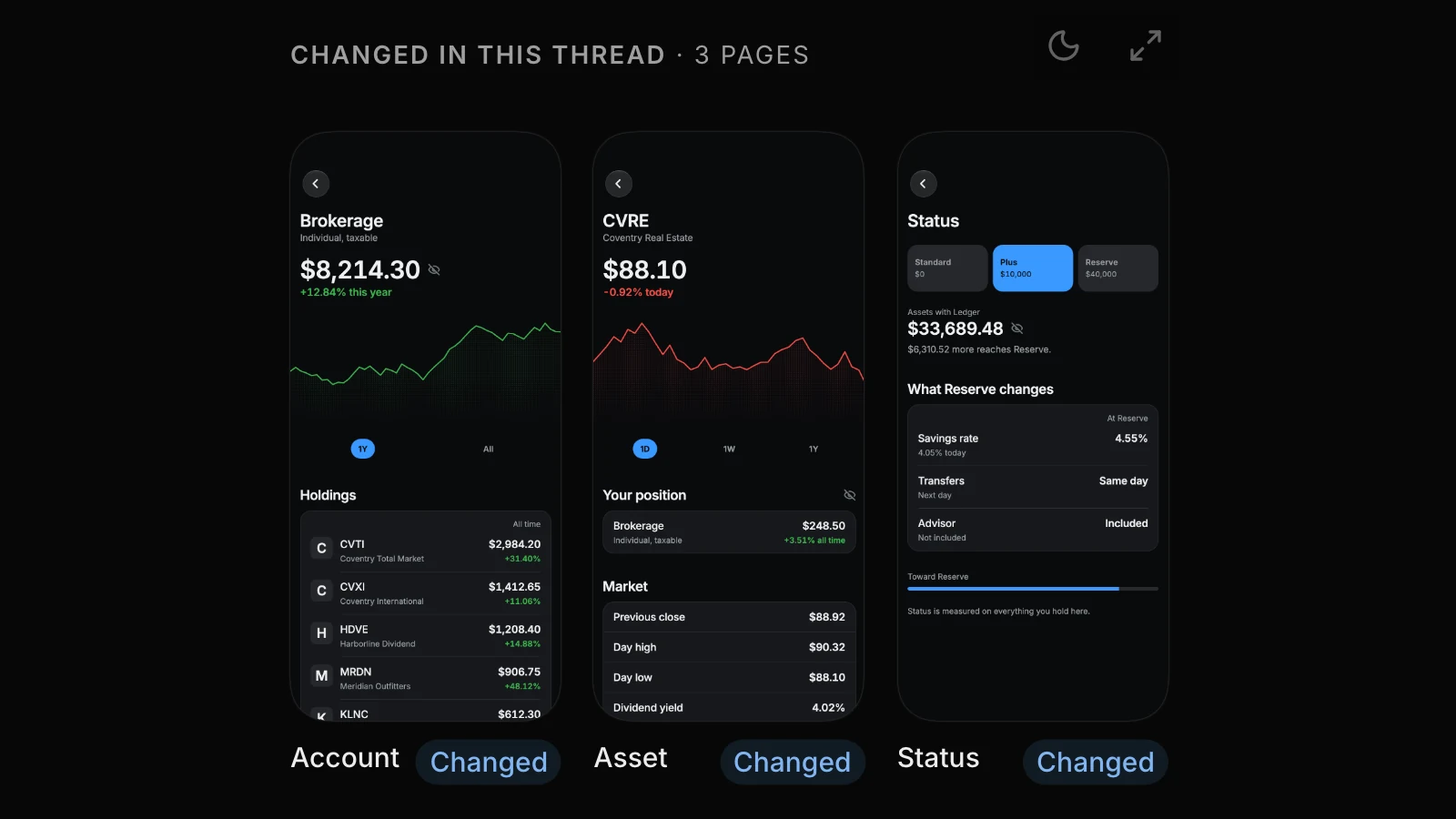
Nothing reaches your app until you push
When a thread’s changes are right, press Push to your app. Once you push, the agent checks that all changes work and makes changes if necessary. The agent will never push on its own.
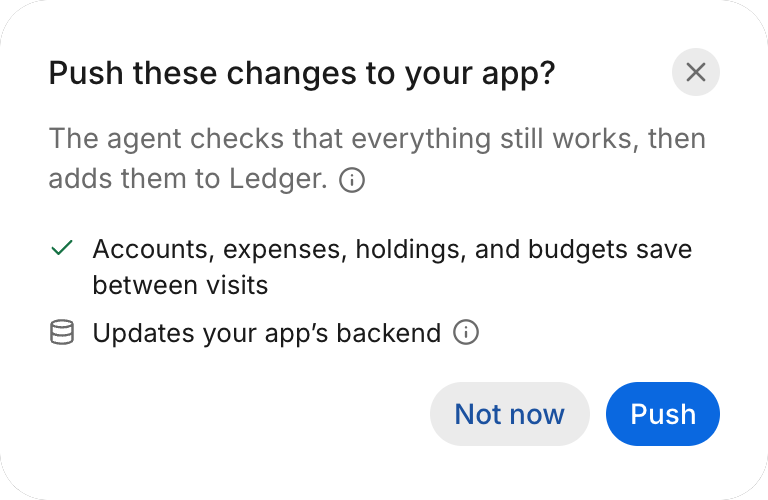
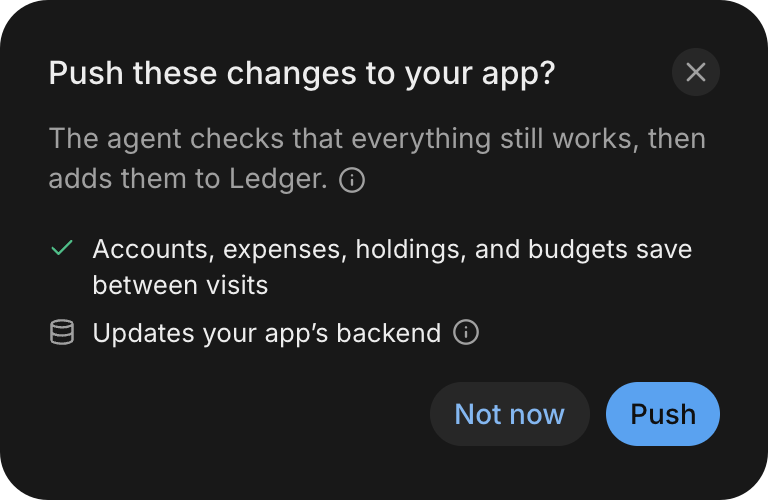
It asks before it acts in your services
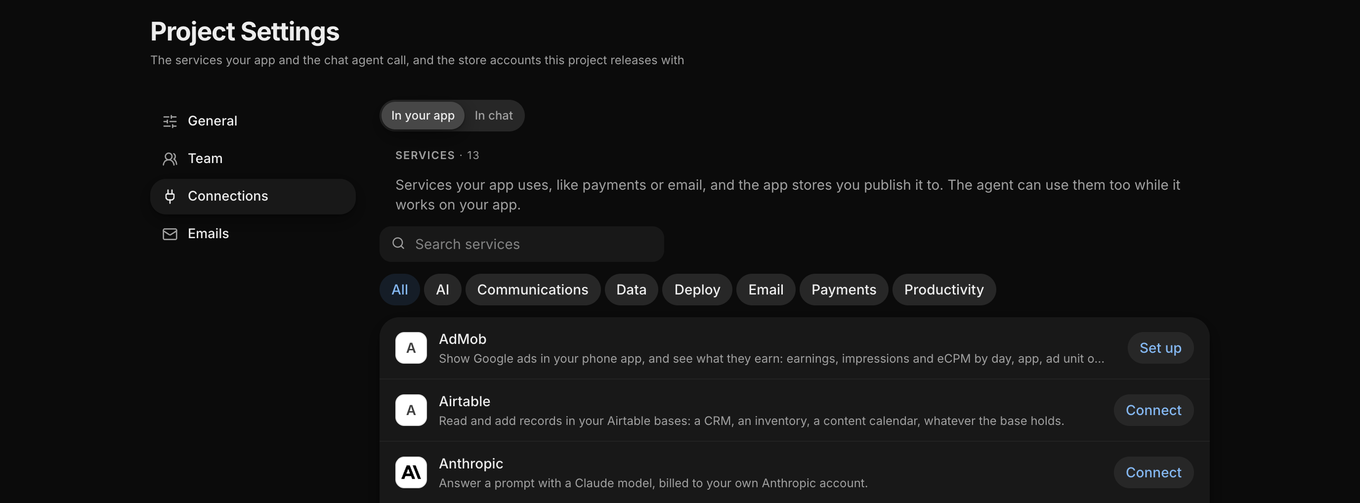
Connect a service once, and your app and the agent can both use it. By default, anything that makes a change waits for your approval.
-
 AdMob, Ads
-
 Airtable, Data
-
 Anthropic, AI
-
 App Store Connect, Deploy
-
 Discord, Communications
-
 Google Gemini, AI
-
 Google Play, Deploy
-
 Notion, Productivity
-
 OpenAI, AI
-
 Resend, Email
-
 Stripe, Payments
-
 Telegram, Communications
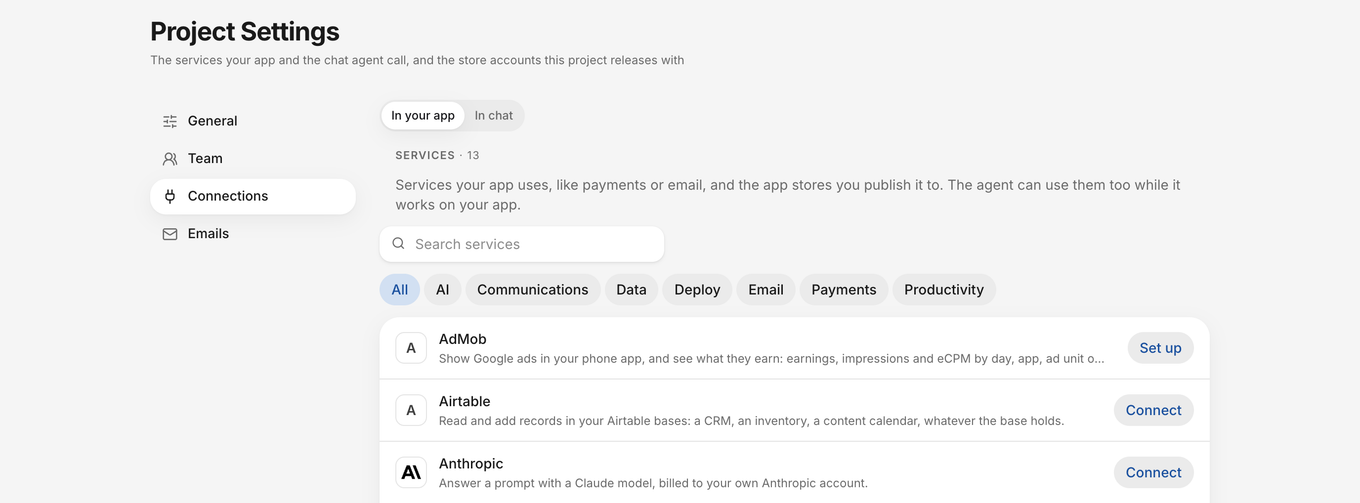
FlutterFlow Studio
Use AI as you build hands-on
In FlutterFlow Studio, AI works beside the visual builder: bring your own coding agent to your project, generate pages, and test your app in plain English.
-
AI Agent Panel
Use your Claude, Codex, Antigravity or Gemini account inside the desktop app.
(opens in a new tab) -
Plugins for Claude Code and Codex
Build Studio apps from Claude Code or Codex. The agent reads your project and makes the change.
(opens in a new tab) -
MCP server
Let your coding agents read, edit, branch and test your project through the FlutterFlow CLI.
(opens in a new tab) -
Generate with Designer
Describe a page or component and get real widgets in your app’s theme.
(opens in a new tab) -
Test Pilot
Write tests in plain English. An agent taps through a real build of your app.
(opens in a new tab) -
FlutterFlow Designer
Describe an app and get an editable design with shared navigation and theme, ready to build in Studio.
(opens in a new tab)
Questions about FlutterFlow AI
How the agent works, what it costs, and what stays in your hands.
Is FlutterFlow AI free?
The Free tier comes with a one-time allowance to get you started. Paid plans come with a monthly allowance, shown as a percentage left, which FlutterFlow and FlutterFlow Studio’s AI features share.
See pricingDoes FlutterFlow use AI?
Yes. In FlutterFlow, an agent builds your app from a description and makes each change you ask for. In FlutterFlow Studio, AI works beside the visual builder: the AI Agent Panel, plugins for Claude Code and Codex, an MCP server, Generate with Designer and Test Pilot.
Do I need my own AI account?
Not in FlutterFlow: the agent runs on your plan’s allowance. In FlutterFlow Studio, the AI Agent Panel runs on your own Claude, Codex, Antigravity or Gemini account. Other FlutterFlow Studio AI features draw on your plan’s allowance.
Can the agent change or publish my app on its own?
No. The agent doesn’t make any changes to your app, your connections, or versions in the app stores without you. Once you’re happy with the changes, press Push to your app, and the agent will implement them for you.
Can I add AI features to the apps I build?
Yes. Connect OpenAI, Anthropic or Google Gemini with your own key, then ask the agent to use it in your app. Calls are billed to your key.
What happens when I run out of allowance?
A turn that runs out partway finishes at no charge. Then wait for your allowance to reset, or buy a refill on Pro or Max.
Still have a question?
Contact us